Elevator issues
Hey everyone!
I'm working on learning Hammer and I have been having issues with my elevators.
I'm using the arrival_departure_transition_ents.vmf instance, arrival_elevator_destructed_base_23.vmf instance, and arrival_elevator_a4_logic.vmf together.
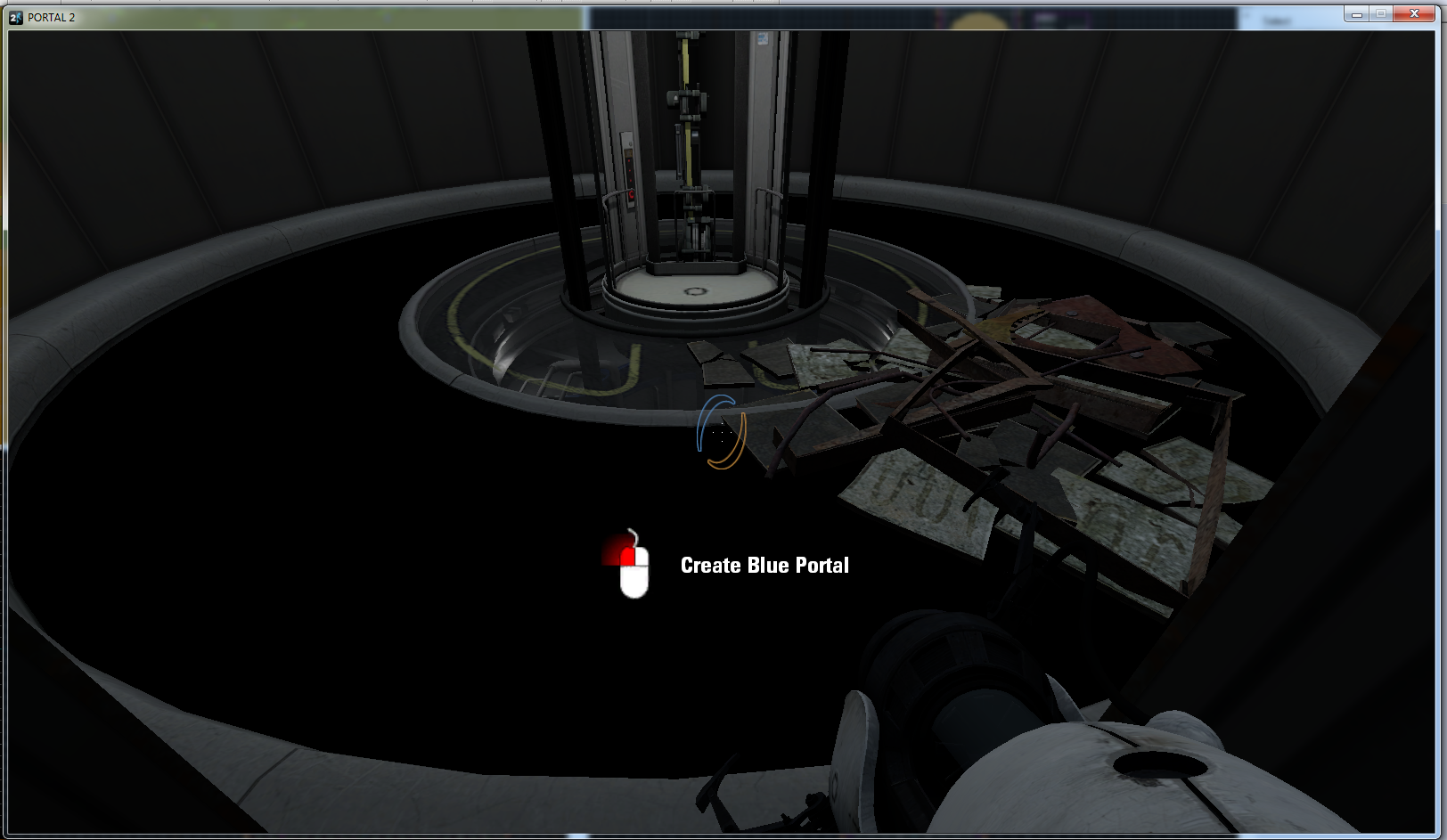
The lighting isn't working properly, and the onscreen tip to use the mouse button to fire the portal won't go away.
When I come initially out of the elevator, you can see the ground illuminated as such: http://i882.photobucket.com/albums/ac27 ... reen_1.png
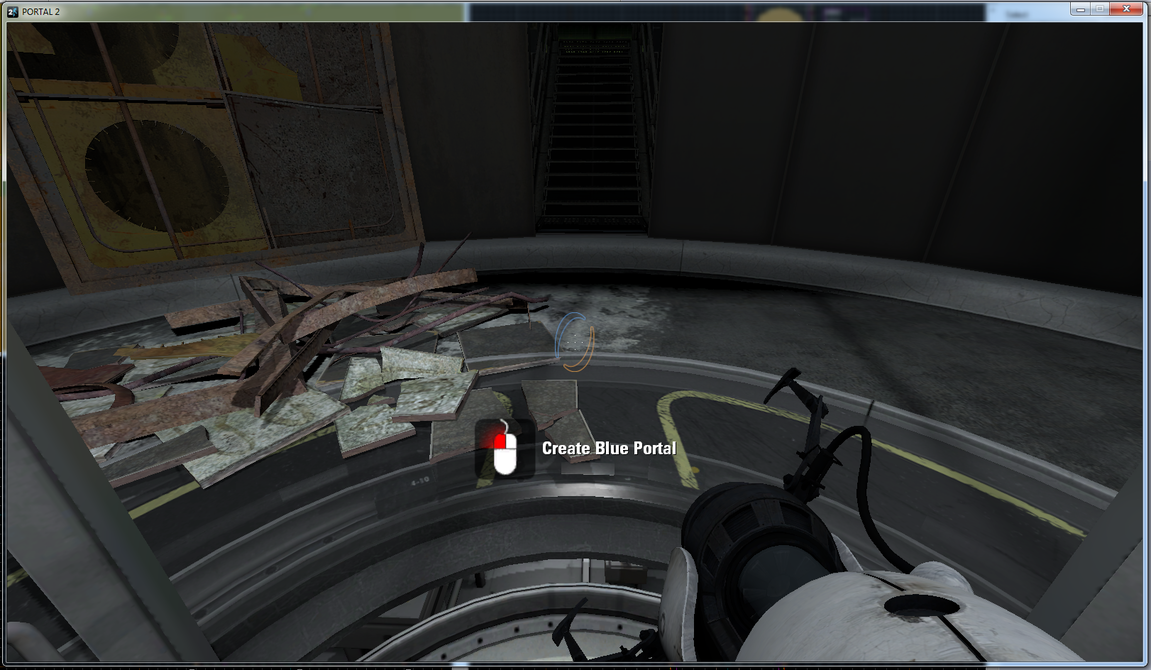
After going a certain number of paces up the steps, the lighting stops working:
http://i882.photobucket.com/albums/ac27 ... reen_2.png
And that tip won't go away.
I understand editing instances, but these instances are just the default ones placed correctly on top of each other and it doesn't seem like they should need to be edited to work properly. What's wrong here?
Annoying bugs to have.. Does anyone have any advice about this? Thanks

- The arrival_elevator_a4 for example has its _base and its _logic instances.
- There's a departure_elevator_a4 as well with tis _base and its _logic.
TRY NOT TO MIX THEM, why? because each has its own way of functioning, the logic adjusts all its triggers upon the path the elevator takes and such... ok?
Maybe that is the issue you're having. Anyway, you can always set the triggers in the logic instance so it fits to your wanted effects: move the triggers a little bit further from the elevator booth for example putting it closer to the exit door... Remember, if you do so, to save it with a different name...
EDIT: About the onscreen tip, well, I think it apepars because you chose an elevator instance of the first ones shown in the game, so that includes that tip as the player is learning the basics...

As for the onscreen tip, I am pretty sure it has nothing to do with the elevators. It is something done by the game engine. I rather assume your mapname starts with "sp_...". I never had the issue on any map I played - Other players however, have this problem and solved it eventually by typing "gameinstructor_enable 0" into the console.