Glass Lights VMT
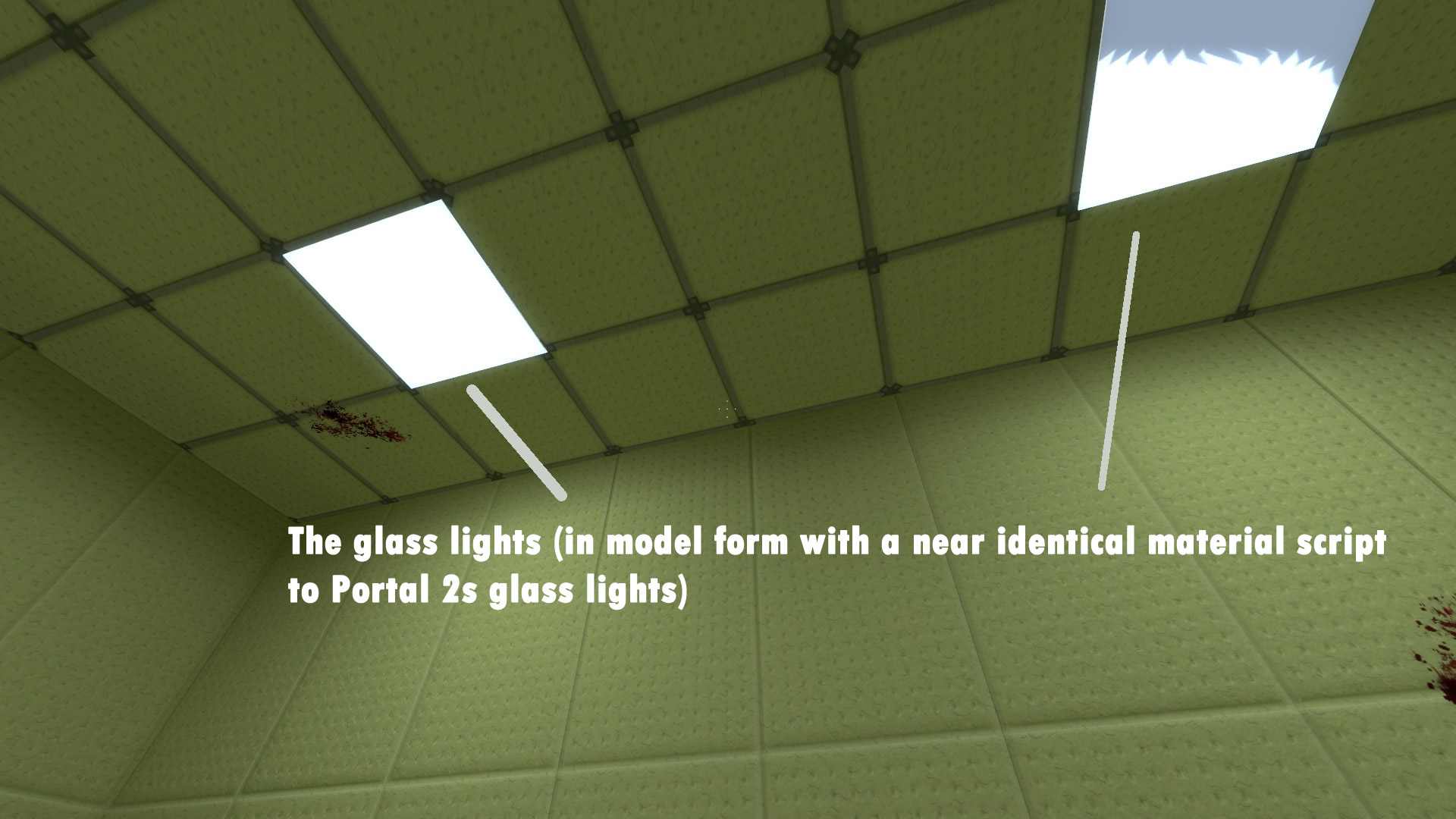
Basically, I am trying to do the strange fake depth effect that the glass lights have. The closest I've gotten is refraction of the material (like the basetexture is a crosshair, its fixed to fill the view of the player and only visible through the glass).
It doesn't really seem to work in Portal 2 either (the map usually crashes).
Any help here? :c

You want glass in portal 1, on a model.
You need a texture for this (thus a vmt file)
You copied properties from the portal 2 vmt's and copied them over but it does not work?
Then there is something with fake depth? What do you mean? can you give an example? possibly from p2?
The likes of "$localrefract 1".
lpfreaky90 wrote:
I;m afraid I don't quite folow:
You want glass in portal 1, on a model.
You need a texture for this (thus a vmt file)
You copied properties from the portal 2 vmt's and copied them over but it does not work?Then there is something with fake depth? What do you mean? can you give an example? possibly from p2?
Well the inset light models are 2d planes; ie flat. The inside refraction fakes depth because of how the internally refracted portion moves. This is a new shader effect (hence "$localrefract 1") that is non-existant in p1. @OP, you'll have to do it the way the P2 Collab did it: observation glass texture in front of a brush-built light shape behind it.
As for why it fails in p2: in p2 refacts have to be on a model.
EDIT: I did it from my ancient p2-in-p1 mappack:
