Panel becoming unaligned after parent model animates
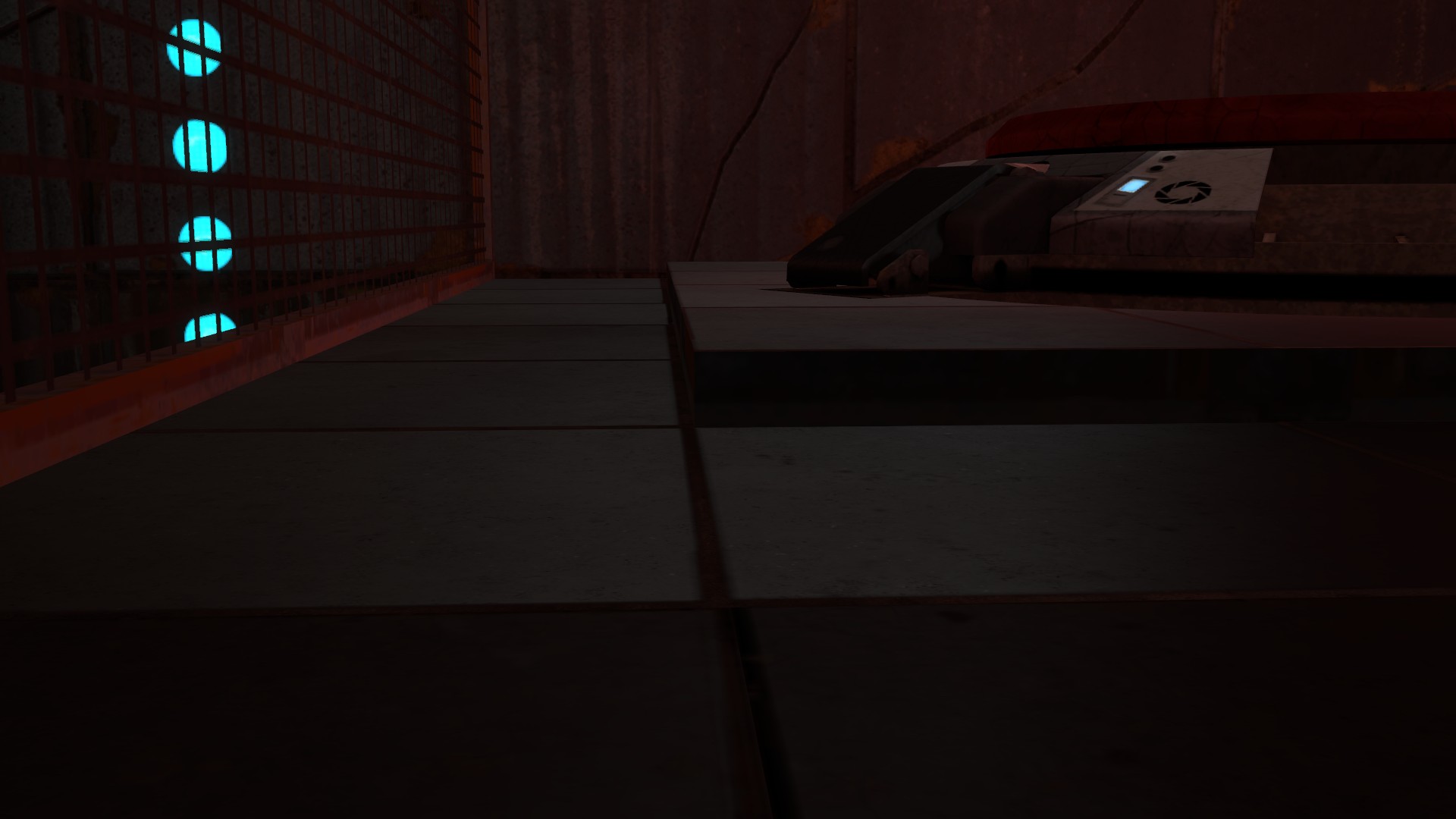
As you can see in these screenshots, the panel is fine before the animation and looks as if nothing is there, but when the animation moves it becomes slightly unaligned...
Before:
http://cloud.steampowered.com/ugc/54064 ... 345616DB7/
After:
http://cloud.steampowered.com/ugc/54064 ... 078512740/
http://cloud.steampowered.com/ugc/54064 ... 768795117/
http://cloud.steampowered.com/ugc/54064 ... 3FF58F673/
http://cloud.steampowered.com/ugc/54064 ... 3829C682D/
The animations on the arm64x64_interior are:
Initial - ar_laserplatform_angle_02up_idle
Move up - 90deg_out_cornerback
Move down - 90deg_in_cornerback
Any help appreciated :s

Kasc wrote:
I'm not setting the animation to idle, I'm telling the animation to stop on the last frame, unless the last frame isn't at the right point?
AHA!
The last frame of animation in the open animation should be one frame before idle!
So instead of just making the arm move by using setanimation,(open animation..)
Do this:
On trigger- (Arm_name)- setdefultanimation- idle- 0.0 seconds
On trigger- (Arm_Name)- setanimation- (moving_arm_animation_here)-0.0 seconds
You would think that setting the defult animation would overwrite the animation you want to play, but when you play an animation it lets it play and then goes back to the defult animation. And yes I'm too lazy to look at the specific animations you listed even though their right in front of me... But you should be able to place them in yourself.
Lol I think I just wasted five minutes of my life typing the solution to something that may not be the problem at all
Edit: BTW no one can say I double posted because I just edited this post.

p0rtalplayer wrote:
looks like the 90deg_cornerback one doesn't end in the same place as the idle one. Look for a different idle animation to match the cornerback one.
I think this is the issue. The default animation is set to ar_laserplatform_angle_02up_idle, right? And that's what you used to line up everything in hammer? But when you run the open close animations, it doesn't end in the same place. Is HoldAnimation set? Because if so, it won't go back to the ar_laserplatform_angle_02up_idle when it's done with the close animation.