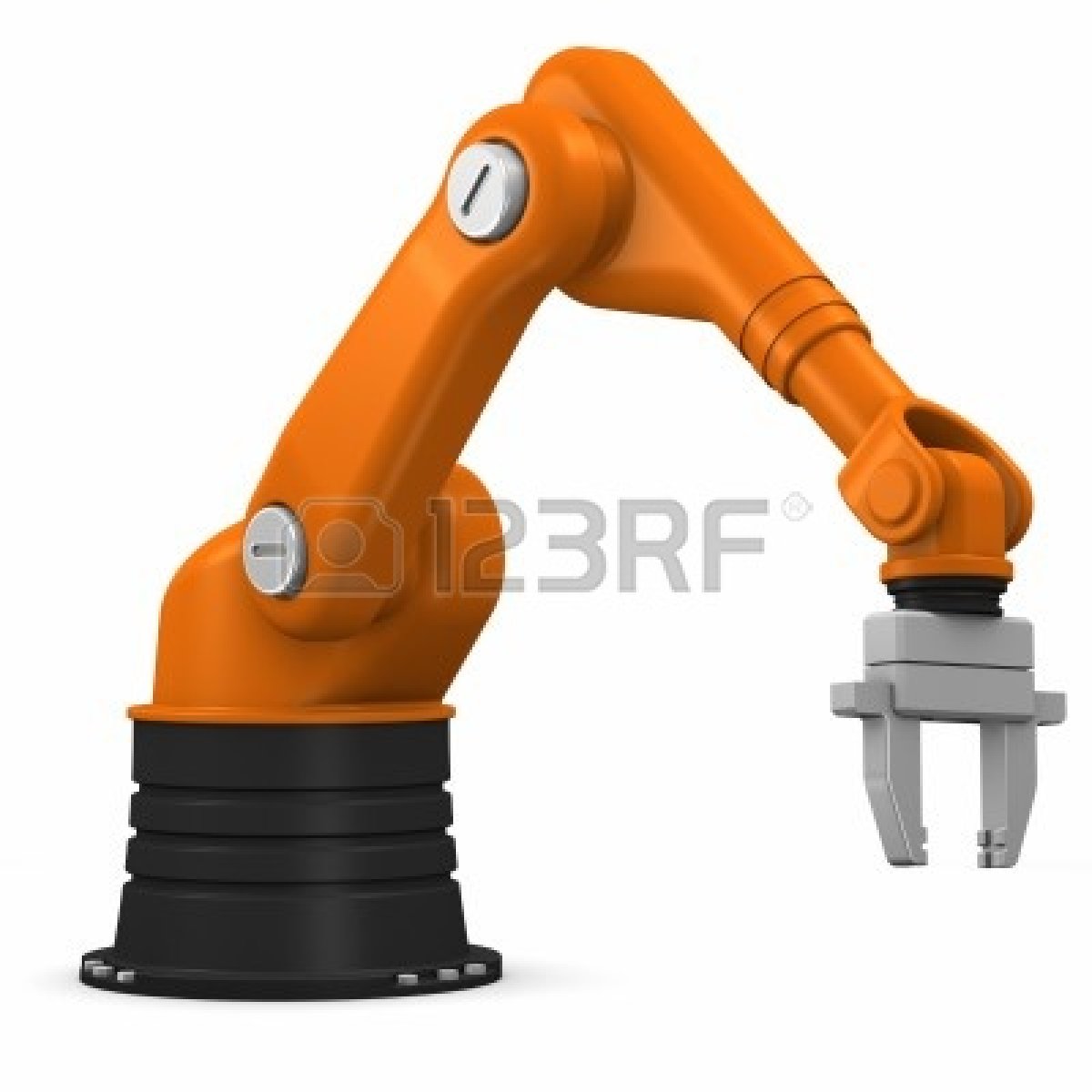
Robot Arm
I have all the parts parented correctly and it does move correctly in one direction. What I need it to do is move in the other direction and also for the claw (the fingers) to open and close properly. If you need the .vmf, I will send it to you. Please can anyone help me with this? I plan to release this thing as an instance when I have it working correctly.

Really, instead of using brushes, use a model instead.
It'll be alot easier for mappers to implement than a brush / instance.
tl;dr, use propper.
Note: I am going to try making the various rotating parts out of func_rotating instead of func_door_rotating. Hopefully that will allow me to get full 180 degree movement.

Something I've liked doing for movelinears is instead of setting the "movement distance" to the maximum amount it can move, set it to something smaller like 32 units. Then SetPosition becomes "move the object in increments of 32 units", instead of the other way around. You can even set the movement distance to 1, making the SetPosition parameter become the the target distance it will move to. If you do this the OnFullyOpen/OnFullyClosed/OnReachedPosition outputs won't be triggered correctly/ at all, so be careful of that.
opticalprocessor wrote:
Wait, you were using func_door_rotating?
Yes I was ("was" being the key word).
TeamSpen210 wrote:
You do want to use func_movelinear & possibly momentary_rot_button (with flags set to disable the "button" bit). These have SetPosition inputs, letting you make them rotate/extend half/quarter/double/whatever you want basically with inputs. (Valve fortunately forgot to restrict the value to between 0-1 dispite what the FGD says, so you can enter negative SetPosition values or ones greater than 1).
Nothing on this behemoth moves in a linear fashion. The only parts that actually do any moving are the joints and they rotate. The other parts are parented to the joints. Also, the parts that move can't be momentary_rot_buttons because this sucker is going to be well out of reach of the player. I found that by makign the time that the input last short enough and the speed at which the func_rotate moves short enough I can actually control how far the part of the arm moves. It is not exactly elegant, but it works. Now my challenge is getting the claw to not close on itself.
TeamSpen210 wrote:
Something I've liked doing for movelinears is instead of setting the "movement distance" to the maximum amount it can move, set it to something smaller like 32 units. Then SetPosition becomes "move the object in increments of 32 units", instead of the other way around. You can even set the movement distance to 1, making the SetPosition parameter become the the target distance it will move to. If you do this the OnFullyOpen/OnFullyClosed/OnReachedPosition outputs won't be triggered correctly/ at all, so be careful of that.
I might use movelinear for the base of the thing so that it will be able to move around on the surface it is mounted to. On the other hand trackTrain entities are pretty good for things like that.
TeamSpen210 wrote:
I meant to use the momentary_rot_button as the movement entity. Change the flags so players can't Use it to make it move, then send SetPosition inputs like on movelinears. It doesn't matter that it's a button, you can ignore that feature.
Actually, SetPosition does not work the way you think it does. It ONLY rotates to a particular position. It cannot be rotated again without another specific position, which requires that you have a second button. What this means is that the "button" will only rotate once with any particular button. This makes it more than useless for a robot arm, at least the kind of robot arm I am designing.