Singleplayer-Ping
I never saw that before.
Also in the main menu were only two buttons: "NO STEAM" and "EXIT". Whats going on there?
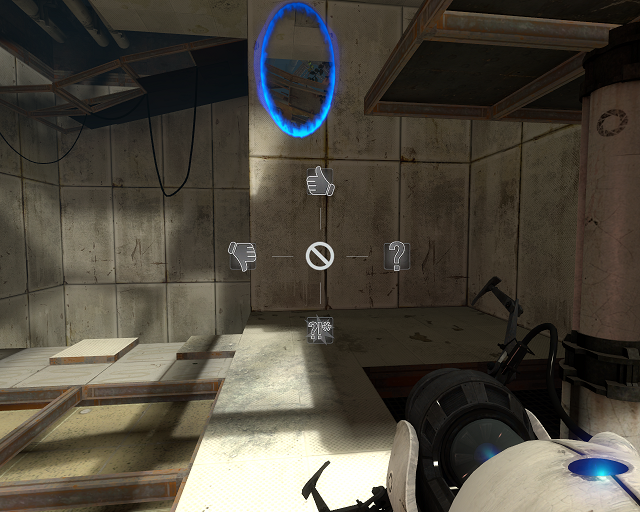

It's really useful, in playthrough video's and/or coop!
As for the buttons maybe you should validate game cache?
 . I will try to install my hdd from the old pc and copy the portal 2 files from there.
Quote:
The singleplayer ping has been out since dlc 2, there was a thread about it before too.
I searched for "ping" before posting and found nothing about that, sorry. I never remarked this feature because I have noclip on R. Now the button is used. -.-
262LetsPlay wrote:
Validating game cache did nothingQuote:
The singleplayer ping has been out since dlc 2, there was a thread about it before too.
I searched for "ping" before posting and found nothing about that, sorry. I never remarked this feature because I have noclip on R. Now the button is used. -.-
Well...
Why are you using noclip on one of the beginning maps? 

I have noclip on N, for example, for if I trap myself in one of my own maps by mistake.
http://m.youtube.com/?reload=3rdm=m6y2 ... yTdrf3byCQ
&&
http://m.youtube.com/index?desktop_uri= ... jEPjDNfUsw
&