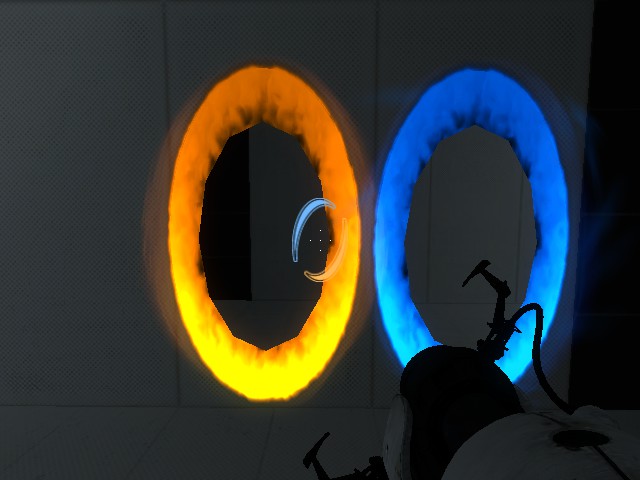
Help?! Weird portals.
SOLVED
I've tried verifying the game cache, and every time it does it, it says one file is missing, so it re-downloads it, but this happens every time- and I don't know why.
I can get through the portals fine, but it just looks awful 
Thanks in advance.

it could be that. I recommend searching your portal 2 directories for portal-mask or portal labeled vmts. In materials/models/portals.
spongylover123 wrote:
did you install some sort of addon, like a new texture?
it could be that. I recommend searching your portal 2 directories for portal-mask or portal labeled vmts. In materials/models/portals.Lpfreaky90 wrote:
You could also choose to delete your entire materials folder or parts of it and then verify game cache again.
I can't find that folder (materials/models/portals), but I deleted the entire materials folder and verified game cache, didn't work.
I think I may as well just reinstall.
Thank you anyways!
EDIT: Reinstall didn't work. 
In the end it was an issue with my Nvidia Driver. It had upgraded to 301.42 which, for some reason was causing these glitches. I rolled back to 285.62 and now it works.
I am complete again!