Texturing Panels
Hello, I am having trouble applying textures to panels. I have the textures parented, and I have a logic_auto to maintain it, but the texture will not show up in game.
This is what it looks like in Hammer:
http://i1261.photobucket.com/albums/ii5 ... hammer.png
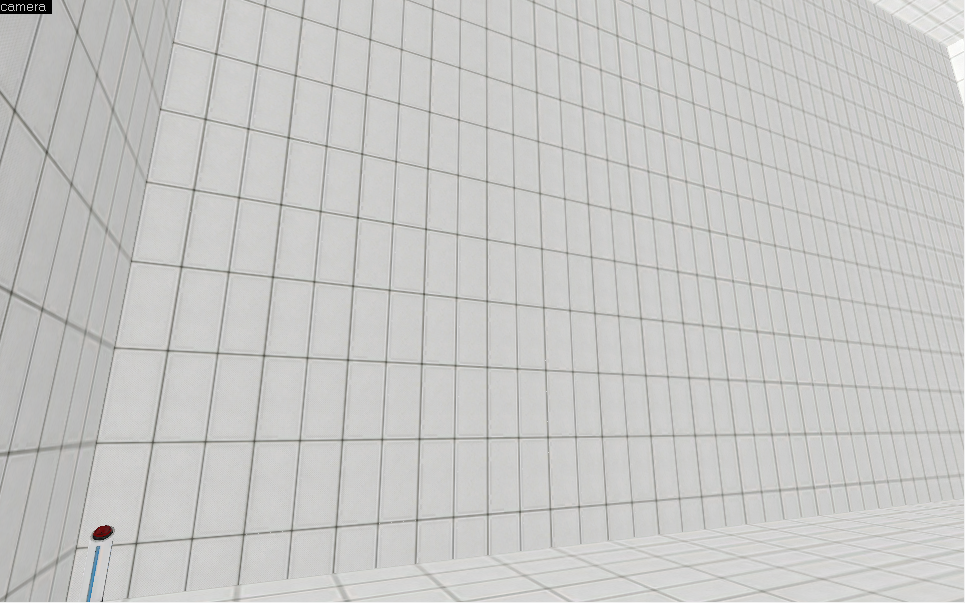
And, This is what it looks like in game:
http://i1261.photobucket.com/albums/ii5 ... 2error.png
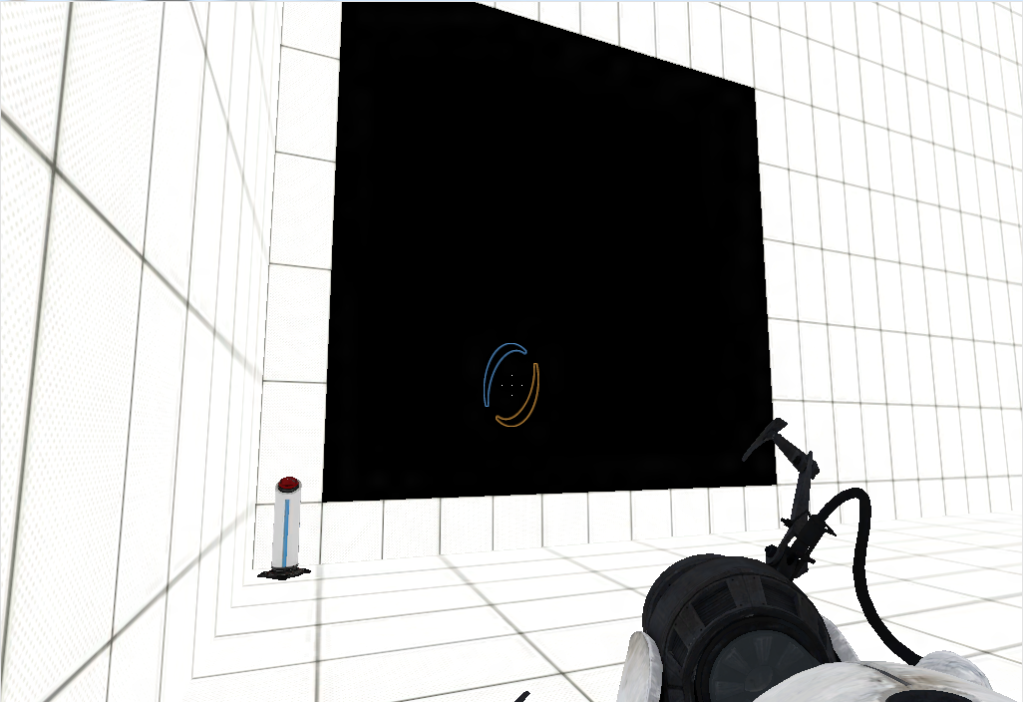
I'm not sure exactly what is wrong, but I would like to fix it.
Sorry about links instead of pictures. I'm new to the forum, and I'm a bit confused about pictures.

post your vmf
Yeah, sorry about that. Those were just quick screen shots.
Here's the vmf
Again sorry, that vmf was just a quick cut down of the full map, and ended up having a leak (I didn't compile that vmf). Here is one without the leak.
EDIT: Cross-post! 
I THINK this is the reason why (someone can correct me)
Vertex textures receive the same amount of light as where the player is looking/standing. Since, If I'm right, your map was fullbright (no lights), the room was technichally completely dark. Since the room was dark, and vertex textures use the same lighting as the players point, the texture was completely black.
UsCobra11 wrote:
In case you were wondering why they were pitch black:
I THINK this is the reason why (someone can correct me)
Vertex textures receive the same amount of light as where the player is looking/standing. Since, If I'm right, your map was fullbright (no lights), the room was technichally completely dark. Since the room was dark, and vertex textures use the same lighting as the players point, the texture was completely black.
yeah, something like that.
Bottom line: NEVER USE TEXTURES WITH _vertex in it's name
Ps: you might want to look at your texture alignment too 