Toggling a brush's visibility?
Haven't figured out how yet after looking here and on the SDK site. Any suggestions on how to set this up?
Thanks.

Also I don't know how to start a brush with visibility disabled initially.
Then, you can do what Interitus said, put a trigger_multiple around it, with a one unit shift, check its "client" flag (and only this one) and put some outputs in it :
OnStartTouchAll > func_brush > Enable
OnEndTouchAll > func_brush > Disable
It will make the brush appear when the player touches the wall.
Tigger wrote:
Thanks for the answer, but I'm afraid I'm not seeing the Enable Visibility or Disable Visibility options in the triggers.
Erm, yeah, I didnt have hammer open so I just pulled those terms out of thin air. Its just enabled/disabled like Nyk018 said, and what Duffedwaffe said might work to help give it a fading effect rather than just disappearing.

Holy shit people.
For one, DO NOT USE A FUNC_AREAPORTALWINDOW FOR THIS EFFECT! You will get SERIOUS errors since the engine is trying to render a totally useless and retardidly placed func_areportalwindow, which exists for a very specific reason and has very specific setup requirements.
Secondly, using a material proxy is over complicating the process a bit I think. You can do it this way, but it's not necessary.
Doing the Trigger is probably your best bet. Setup your Outputs for the trigger like this:
- OnStartTouch -> (func_brush name) -> RenderAmt -> 255- OnEndTouchAll -> (func_brush name) -> RenderAmt -> 0
The RenderAmt Input controls the transparancy of a func_brush, where 255 is totally visible and 0 is totally invisible.
msleeper wrote:
For one, DO NOT USE A FUNC_AREAPORTALWINDOW FOR THIS EFFECT!
Depends on how the wall is built 
I did it a bunch of times in my maps without any problems.
http://hl.logout.fr/images/tuto_opti/areaportalwindow0.jpg
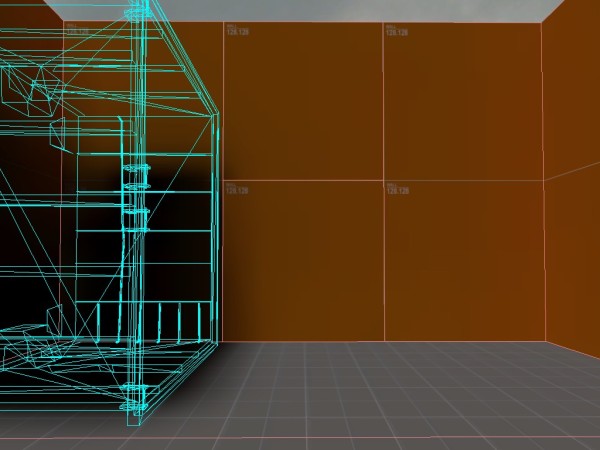
http://hl.logout.fr/images/tuto_opti/areaportalwindow1.jpg
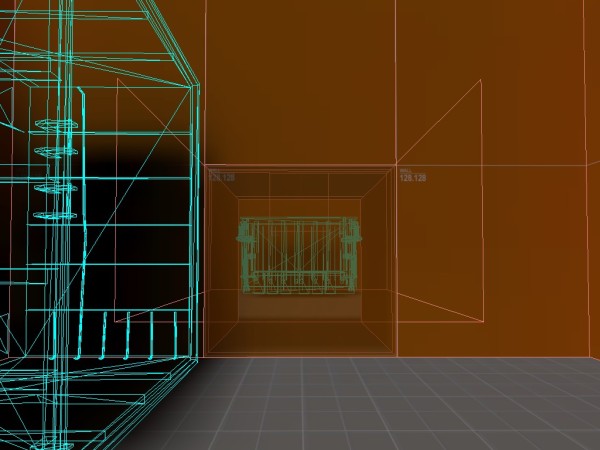
http://hl.logout.fr/images/tuto_opti/areaportalwindow2.jpg
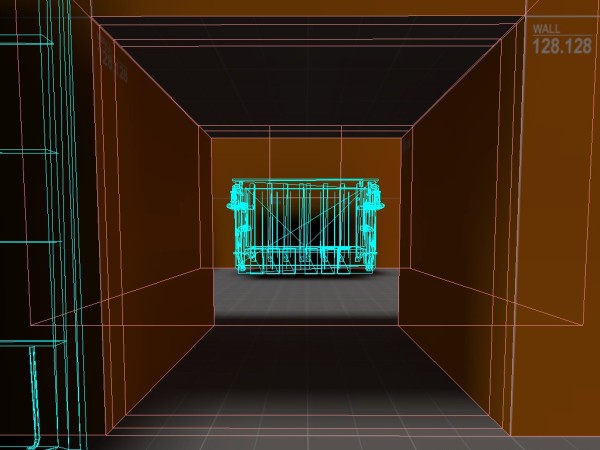
It's used for what it's supposed to be used, and it acts like a ghost wall.
But well, ok. I agree that it should not fall in inexperimented hands.
Neat trick by the way. 
msleeper wrote:
If you make a free floating brush - one that is not sealed on all sides by world brushes - and make it a func_areaportalwindow, you will get problems.
Yeah, lol, of course.
I thought it was obvious, but I forgot that it's not for everyone.
Sorry