Prop fading in/out
SOLVED
I have a prop which I want it to fade out or in after certain action ( like activating a trigger), not dependable on what distance is between the player and the prop. There isn't an output for props to change "Start / End Fade Dist", so that's a bummer.
So any ideas on how to execute this or should I scrap this one?


You'll need a sequence of logic entities to create a fading effect - logic_timer > math_counter > math_remap > prop_dynamic.
- For the timer, set the Refire Time to 0.1s. You'll need two, one to fade in and the other to fade out. They should OnTimer Add or Subtract 1 from the math_counter, respectively. They both should start disabled.
- The math_counter should have a maximum limit set to the fading transition time * 10 (50 for 5 seconds). The OutValue output should feed into the math_remap's InValue input.
- In the math_remap, the input maximum should be set to the same as the counter, and the output maximum set to 255. Both minimums should be 0. The OutValue output should feed into the prop_dynamic's Alpha input.
- Create two logic_relays named "fade_in_rl" and "fade_out_rl". Outputs:
Fade_in_rl:
- Fade_out_rl > CancelPending
- Fade_in_timer > Enable
- Fade_out_timer > Disable
- Fade_in_timer > Disable (after transition time)
Fade_out_rl:
- Fade_in_rl > CancelPending
- Fade_out_timer > Enable
- Fade_in_timer > Disable
- Fade_out_timer > Disable (after transition time)
These should correctly handle being triggered rapidly.
The thing I am working on is a cube, more or less. Rather than fizzle away, it fades away and appears in the spawn. Now I only need to do some parenting with the original cube and it's done, hopefully...
I though at first to use parents, but prop_dynamic doesn't really accept prop_physics_override as a parent.
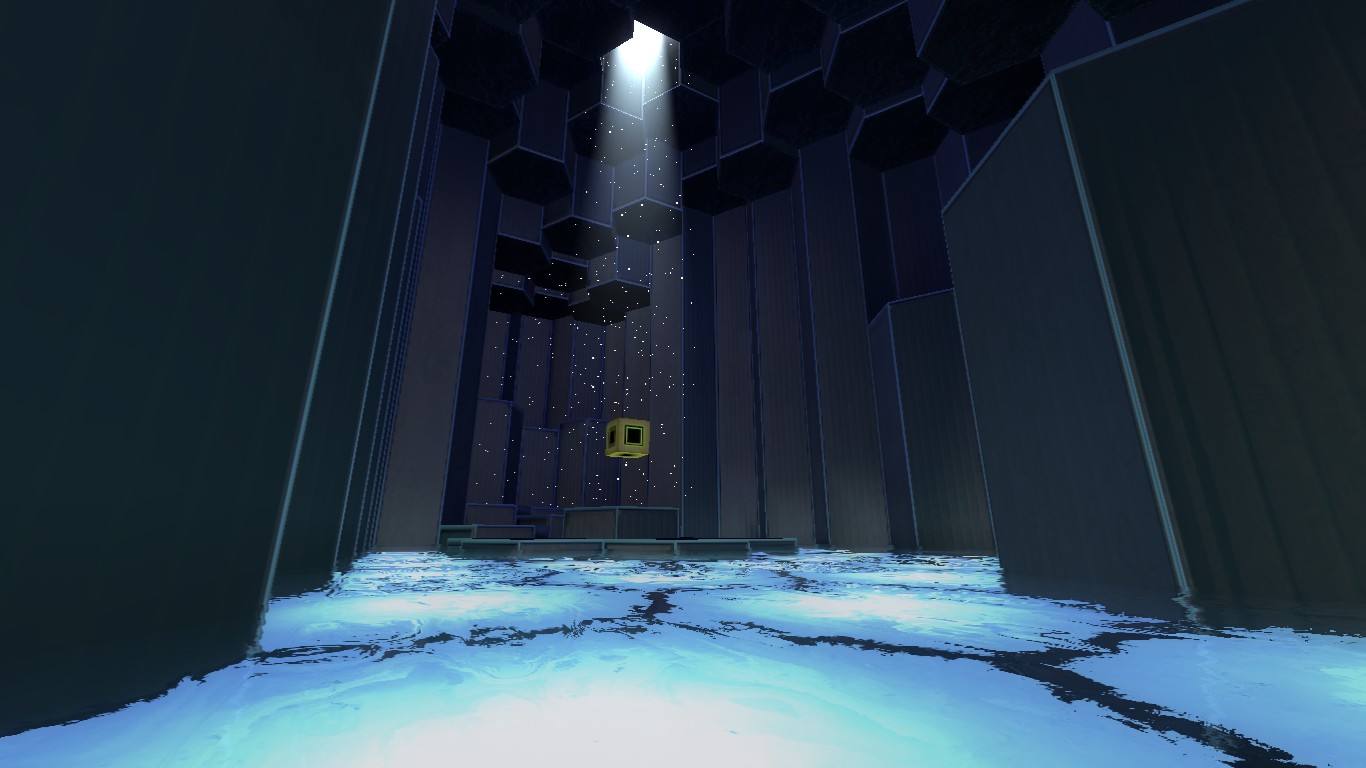
This is what I am working on, Hex complex: