Lighting causes lag?
I added the last few lights, just like this one. They are just textured brushes set into the wall. Yet placing these lights in a small area of my map, has now caused lag throughout my map. About half the time the map plays at normal. The rest of the time, the map can go down to speeds of only 10fps 
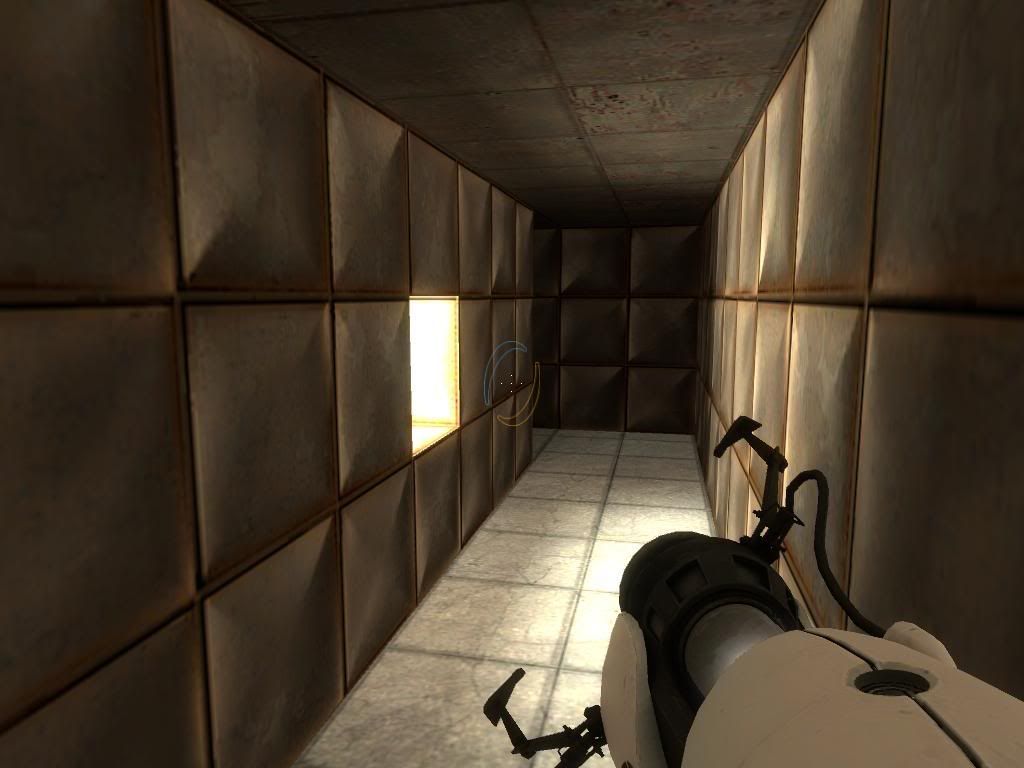
My map was already fully optimised with hint brushes, areaportals, and all possible brushes were func_detailed, yet my map was lag free until adding lighting to the tunnels. Removing the lighting is a no-no, as then it would be too dark for the player to see. There are no leaks in my map.
http://i26.photobucket.com/albums/c113/megadude2006/journey/lag01.jpg
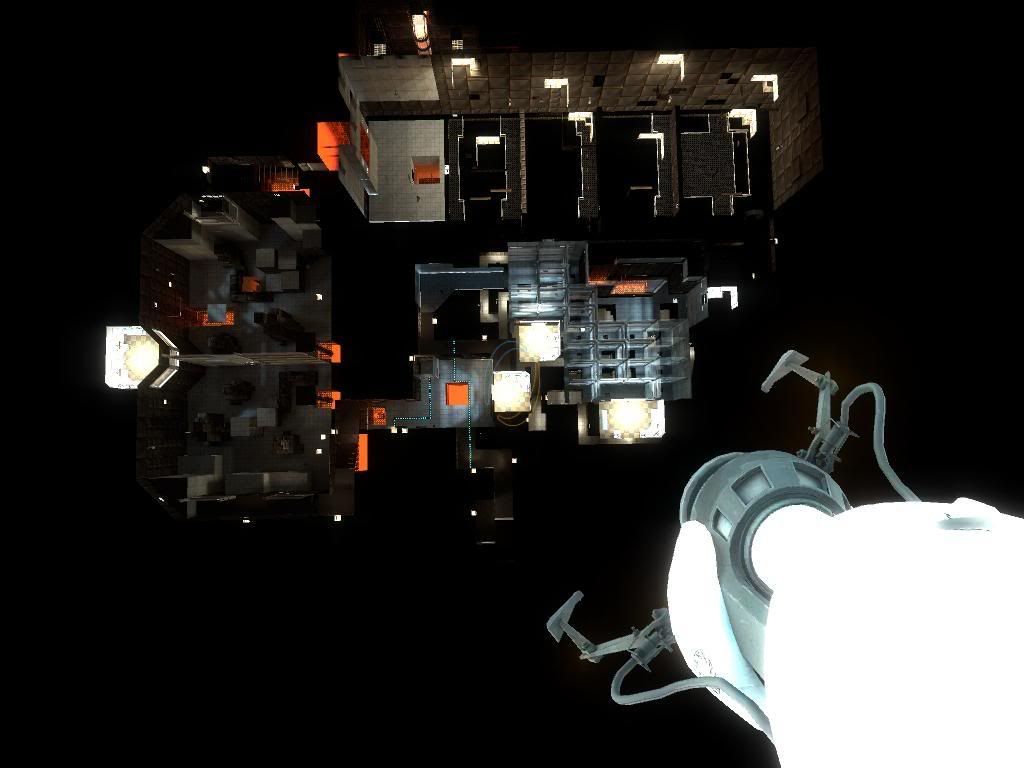
The tunnels are at the bottom right part of the map in the above pic. To give you an idea of the size of the map, the metal squares you can see at the top of the pic are the largest metals ones used.
Does anyone have any idea how work on a tiny piece of a map can lag the entire map, or how it can be solved?

When the lag kicks in, you should get some pretty obvious feedback as to what is causing it.
Now to add to the problems, the more times I load up this map, the laggier it becomes 

 At least that confirms the lag isn't my fault

msleeper wrote:
I would suggest emailing [...] Mike Durand, the SDK programmer.
The same Mike Durand that never answered any of the e-mails I sent him in the past? I don't think it would help much unfortunately