portal_journey
WIP
Megadude wrote:
Click here for the beta.
Lift doors are broken, for me.
When i load the first map, the doors opened, then the lift comes up, and after that, them closed and reopened fast.
In the second level, they don't open at all.

infernet89 wrote:
When i load the first map, the doors opened, then the lift comes up, and after that, them closed and reopened fast.
For me, in the first map, I hear the lift door sound effect twice in rapid succession, and when the map loads the lift doors are stuck open. It's possible to fall out of the lift and get stuck at the bottom of the shaft.
infernet89 wrote:
In the second level, they don't open at all.
Same deal here. While I can noclip out of the lift, my companion cube is stuck inside, which means I can't progress through the level. Also, as nightfire said, the texture for the yellow field generators is missing.
 Both elevators problems have been fixed, and the textures for the yellow generators have been included in the updated betas. I didn't realise that Pakrat hadn't added them automatically like it had down with the models.
nightfire wrote:
in the room with the maze, the door does not open correctly. I just pass through it, If I drop into the room with the button the shield turns off like it is supposed to but when I leave it turns back on except I can not longer see it.
Some of the fun_doors were acting funny in the maze, either the doors themselves or what was parented to them. They seem to work fine now though hopefully. If you mean the room with the button for the cube, it does that to stop the player from getting stuck in there. I'll fix the shield not reappearing bit.
A couple of pics:
http://i26.photobucket.com/albums/c113/megadude2006/journey/maze01.jpg
http://i26.photobucket.com/albums/c113/megadude2006/journey/maze02.jpg
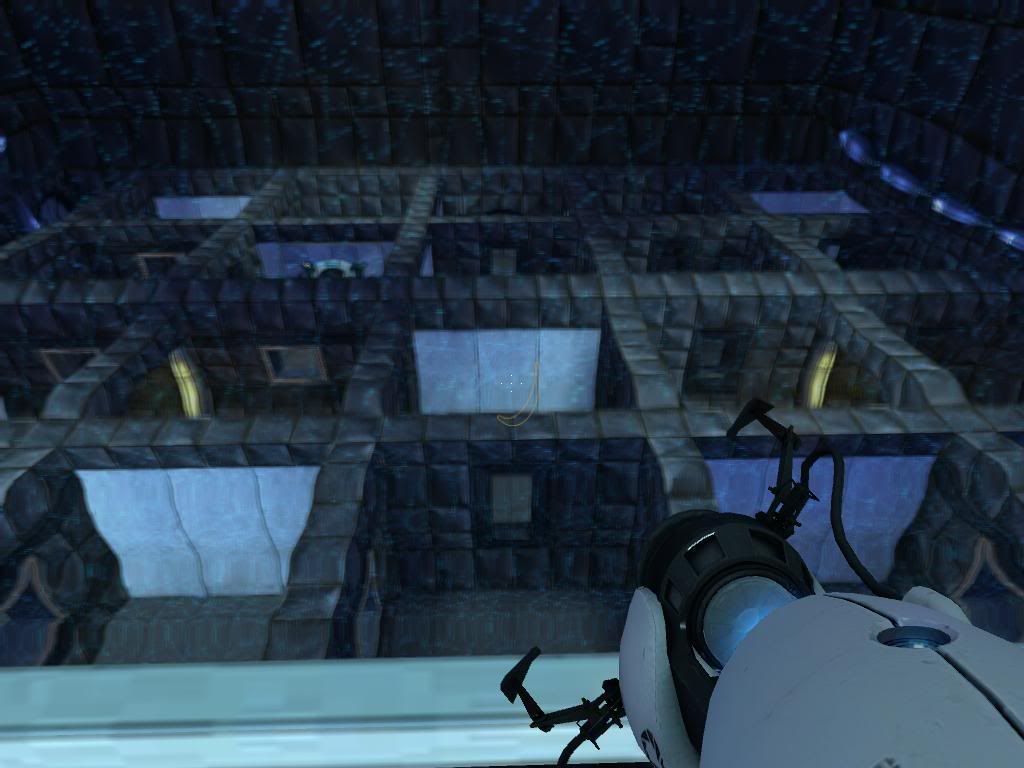
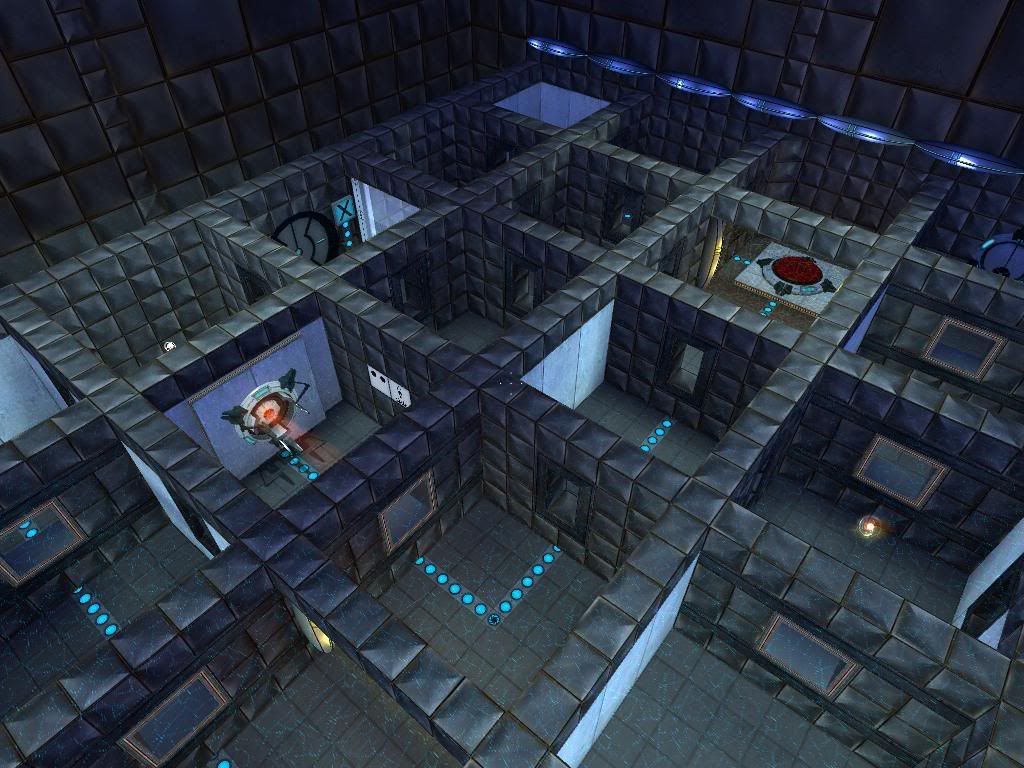
First of all, I am able to walk through this field.

Second, I don't know what triggered it, but at some point I stopped being able to press the pedestal button that opens the exit, even though I had the companion cube on the 3 dot button. I pressed it the first few times and it worked okay, but for some reason I just stopped being able to press it.
 These things always happen when you don't want them too. The whole process around the exit button seems to be acting buggy at the moment. I could only press it once, and the clock kept stopping before it had reached zero, or sometimes it would just keep going.
and lol @ the ending sequence  very nice. and aside from the minor errors in the puzzle room. it was crazy. i typically hate puzzles like this. but this one was "ok" thats not to say it wasn't well constructed, cuz it was amazing. i just don't really like maze type puzzles
anyway. these keep this project going cuz its getting better in every release!
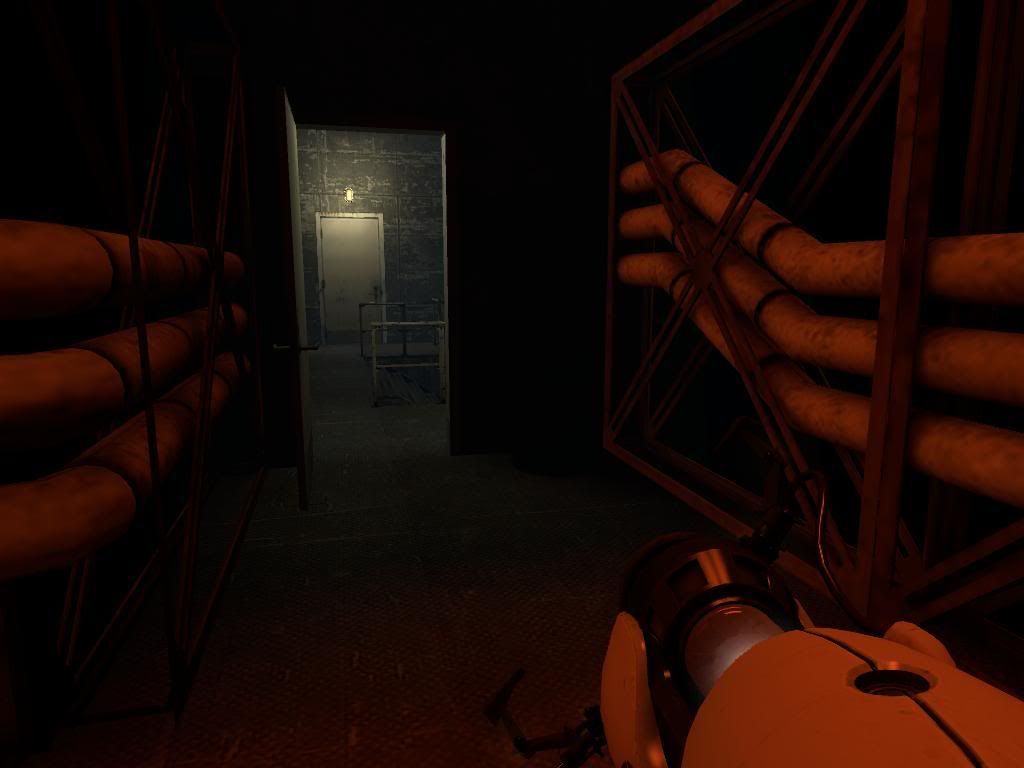
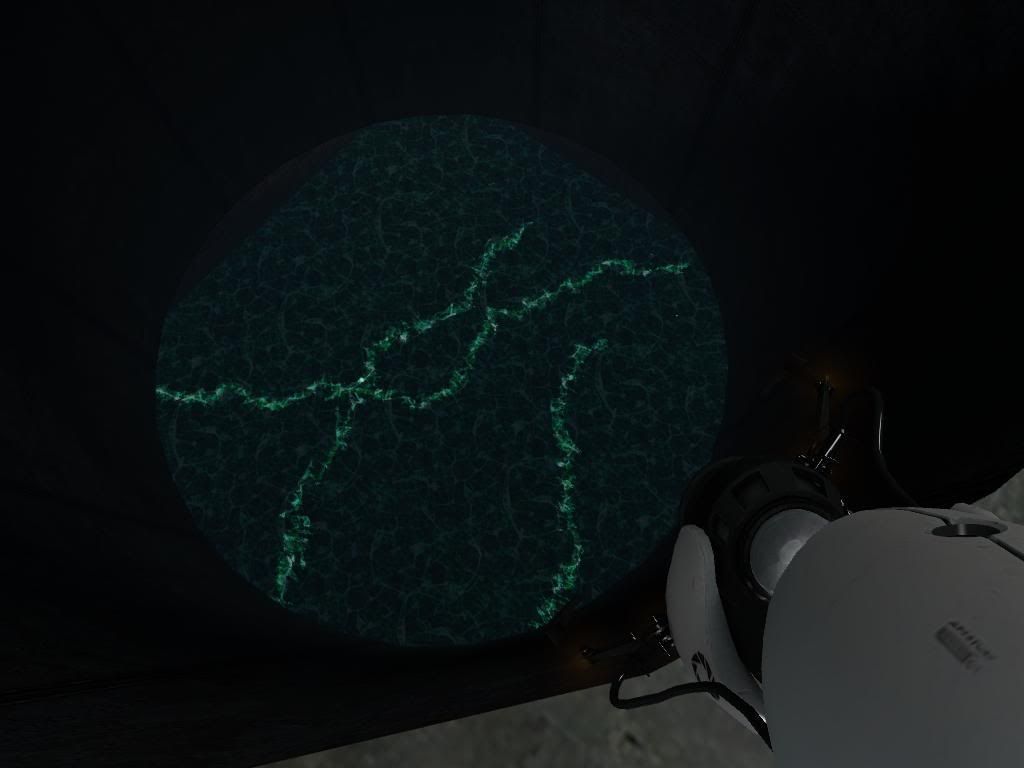
Early WIP pics of the next area.
http://i26.photobucket.com/albums/c113/megadude2006/journey/red01.jpg
http://i26.photobucket.com/albums/c113/megadude2006/journey/red02.jpg
http://i26.photobucket.com/albums/c113/megadude2006/journey/red03.jpg
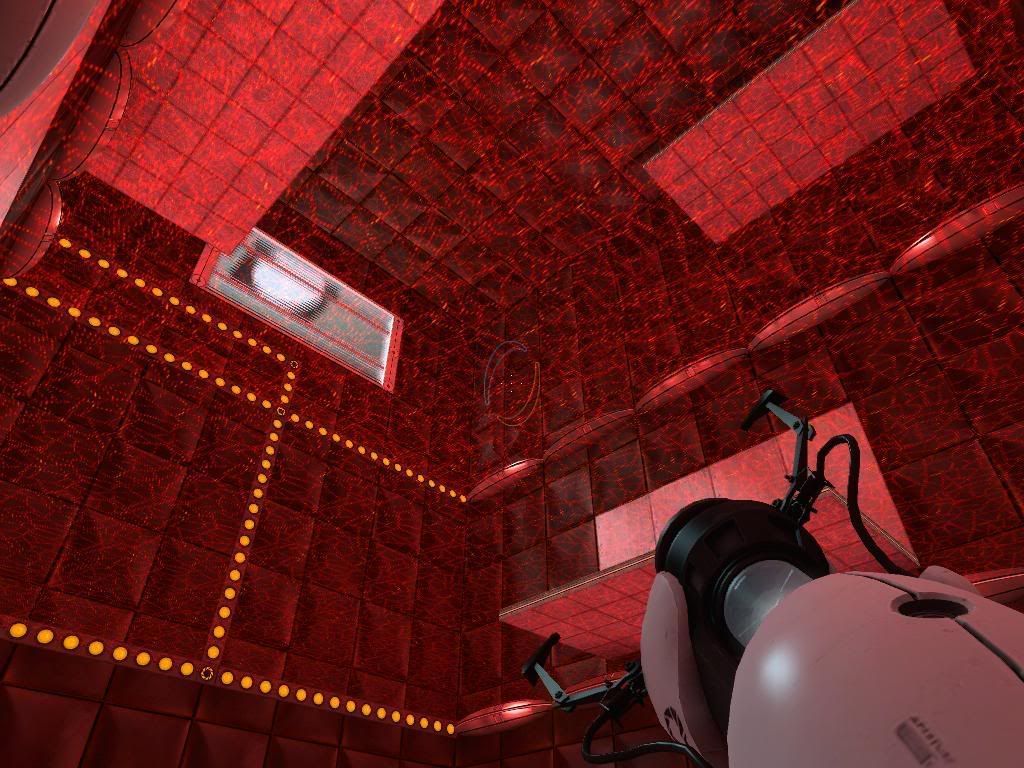
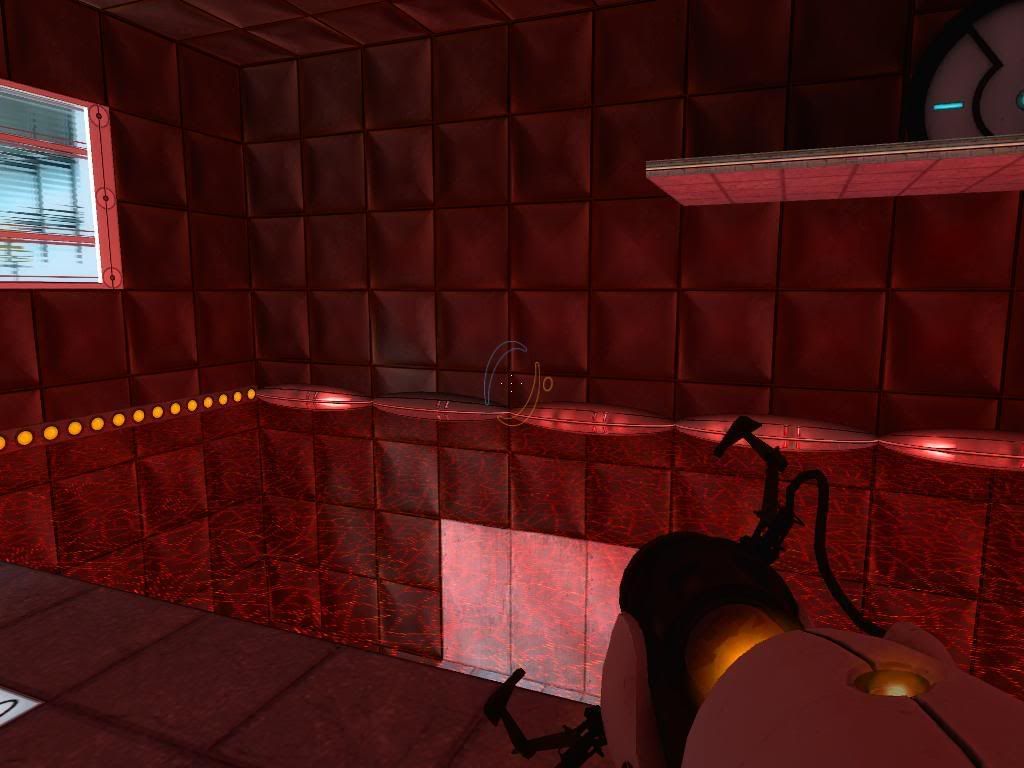
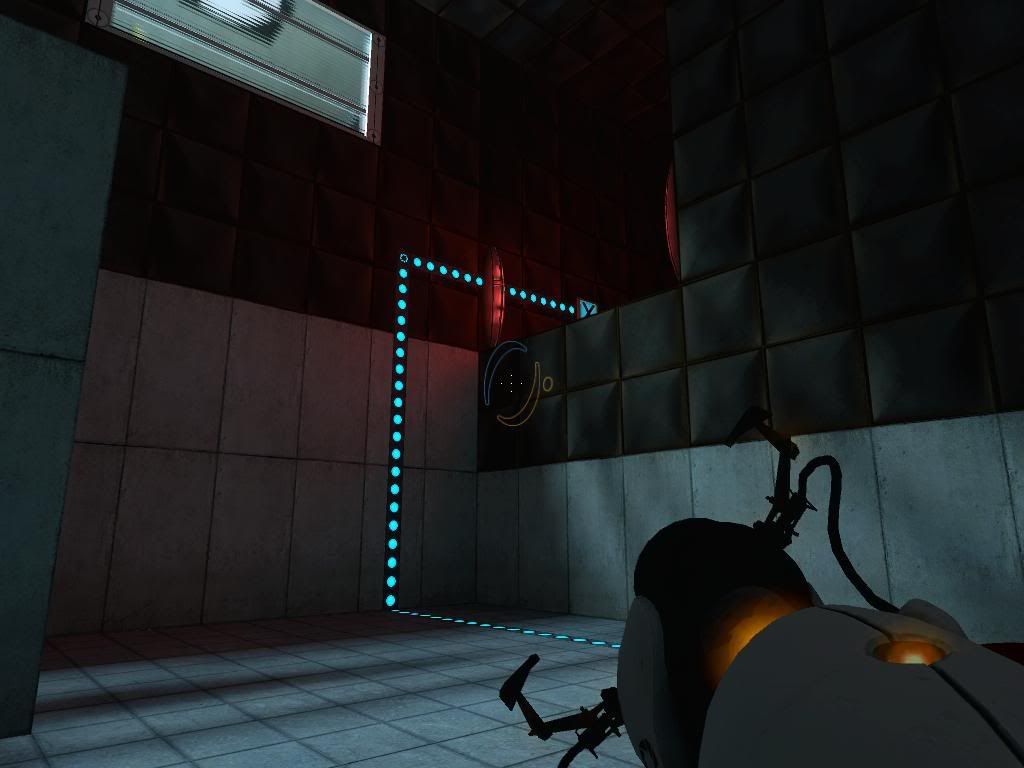
Definetly going to add more light to that last pic.
Megadude wrote:
Definetly going to add more light to that last pic.
That reminds me, in the beta03 map, at the end of the corridor with the energy ball launcher, just before you enter the room with the three catchers, it's too dark for my tastes. Just a minor complaint.
Ralen wrote:
That reminds me, in the beta03 map, at the end of the corridor with the energy ball launcher, just before you enter the room with the three catchers, it's too dark for my tastes. Just a minor complaint.
I'll look into that.
More WIP picks. I'll be adding in the different sized square walls later.
http://i26.photobucket.com/albums/c113/megadude2006/journey/red04.jpg
http://i26.photobucket.com/albums/c113/megadude2006/journey/red05.jpg
http://i26.photobucket.com/albums/c113/megadude2006/journey/red06.jpg
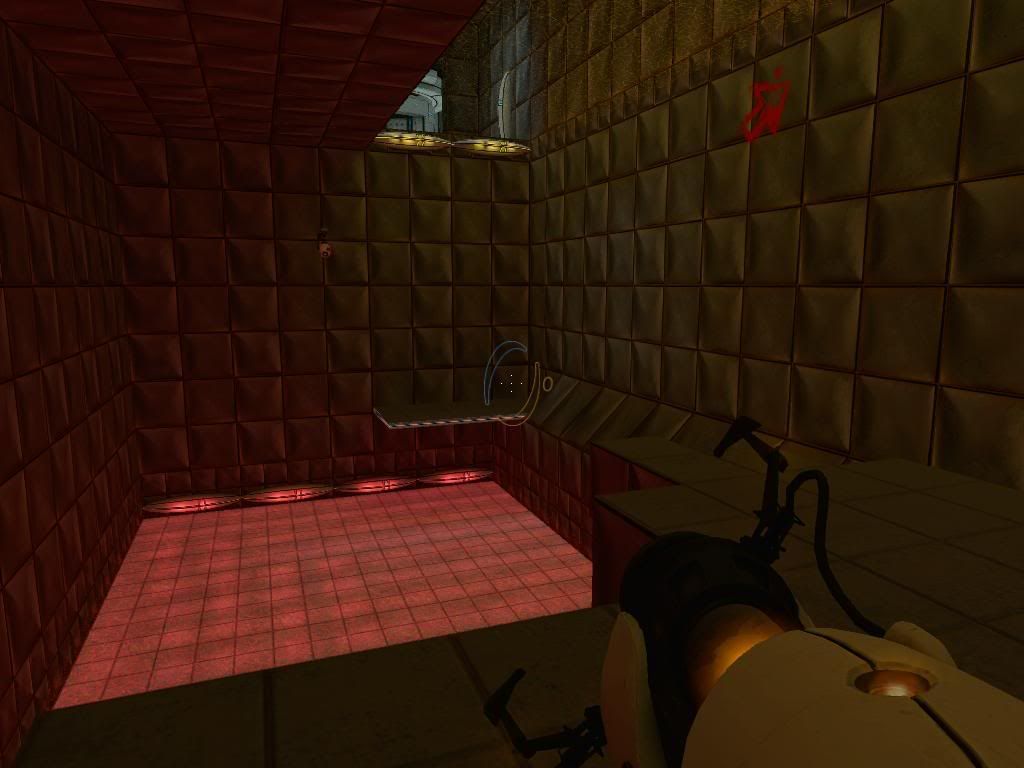
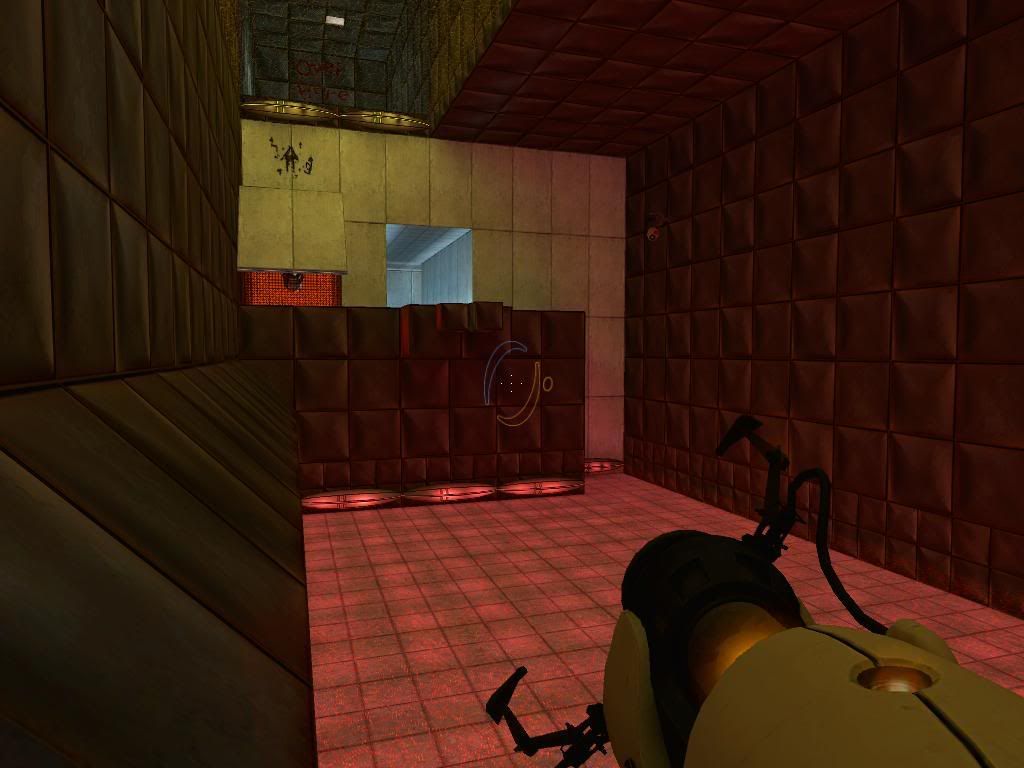
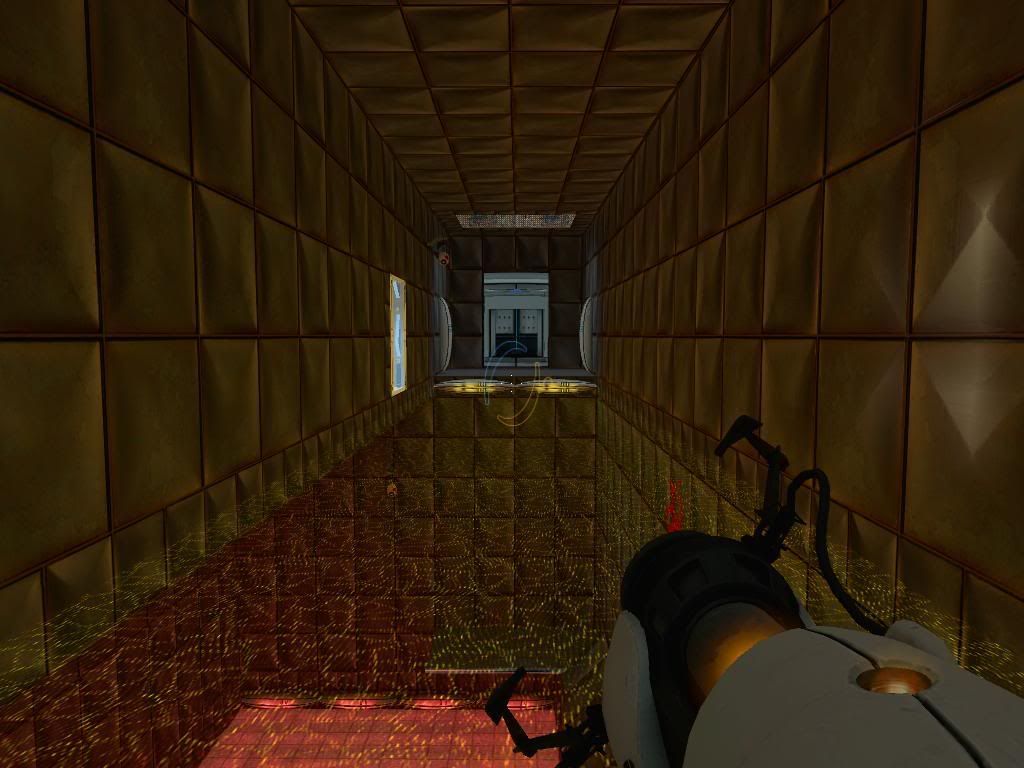
The last part took so long that I almost forgot what the first parts were like.
I think I liked it, except that it's way too easy to lose your companion cube. For instance at the maze you can just portal your way in (without cube), put another portal somewhere, and boom, you're totally screwed.
Also when you put it on the button inside the maze, if you put it too far you can't retrieve it. The yellow field disappears but you still can't get through.
And the yellow field on the other side of the map (on your left when you enter the room) doesn't seem to do anything.
Maybe you should think about losing the companion cube. I know it's cute and all, but for maps like this, having to haul it along all the time just gets annoying. It would probably be better if you just gave the player a cube at the entrance of the maze and be done with it. You'll also not have to bother having to retrieve it then after you escape the maze, which is a plus I think. It's complicated enough like it is. This is just what I think off course, you can do whatever you want.
uXs wrote:
I think I liked it, except that it's way too easy to lose your companion cube. For instance at the maze you can just portal your way in (without cube), put another portal somewhere, and boom, you're totally screwed.Also when you put it on the button inside the maze, if you put it too far you can't retrieve it. The yellow field disappears but you still can't get through.
And the yellow field on the other side of the map (on your left when you enter the room) doesn't seem to do anything.
Never realised about leaving the companion cube outside  I must have been too focused on making sure the player can get the cube back if the cube is trapped inside instead.
As for the other two problems, they will be fixed in the final version.
http://i26.photobucket.com/albums/c113/megadude2006/journey/centre01.jpg
http://i26.photobucket.com/albums/c113/megadude2006/journey/centre02.jpg
http://i26.photobucket.com/albums/c113/megadude2006/journey/centre03.jpg
http://i26.photobucket.com/albums/c113/megadude2006/journey/centre04.jpg
http://i26.photobucket.com/albums/c113/megadude2006/journey/centre05.jpg
http://i26.photobucket.com/albums/c113/megadude2006/journey/centre06.jpg
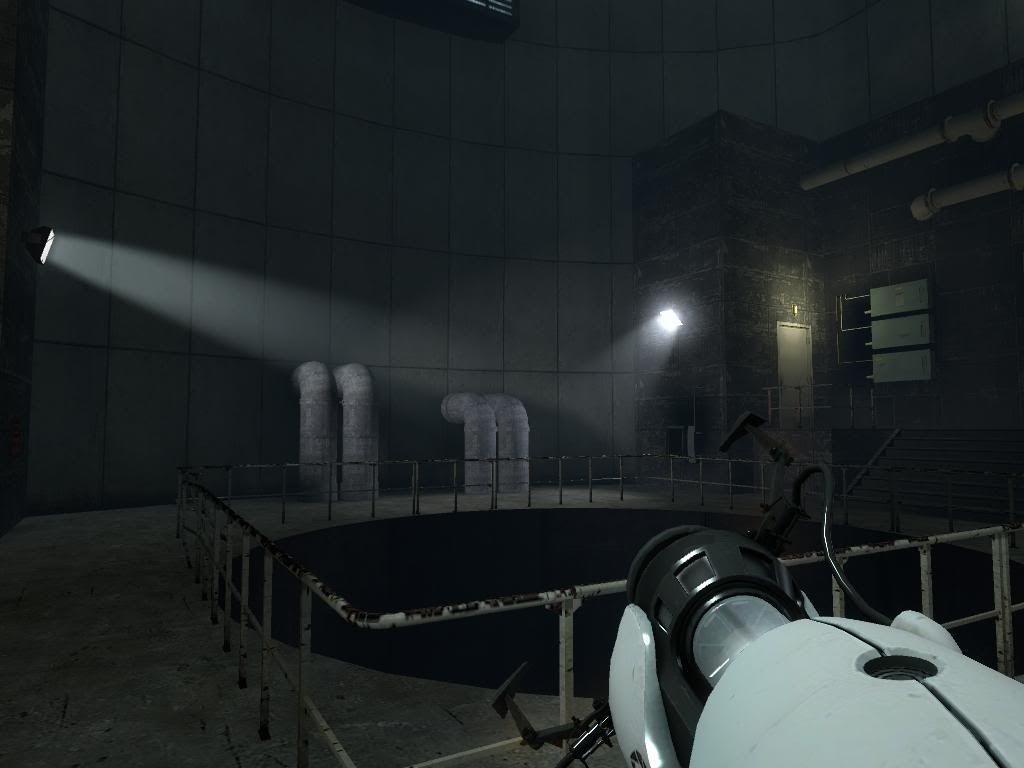
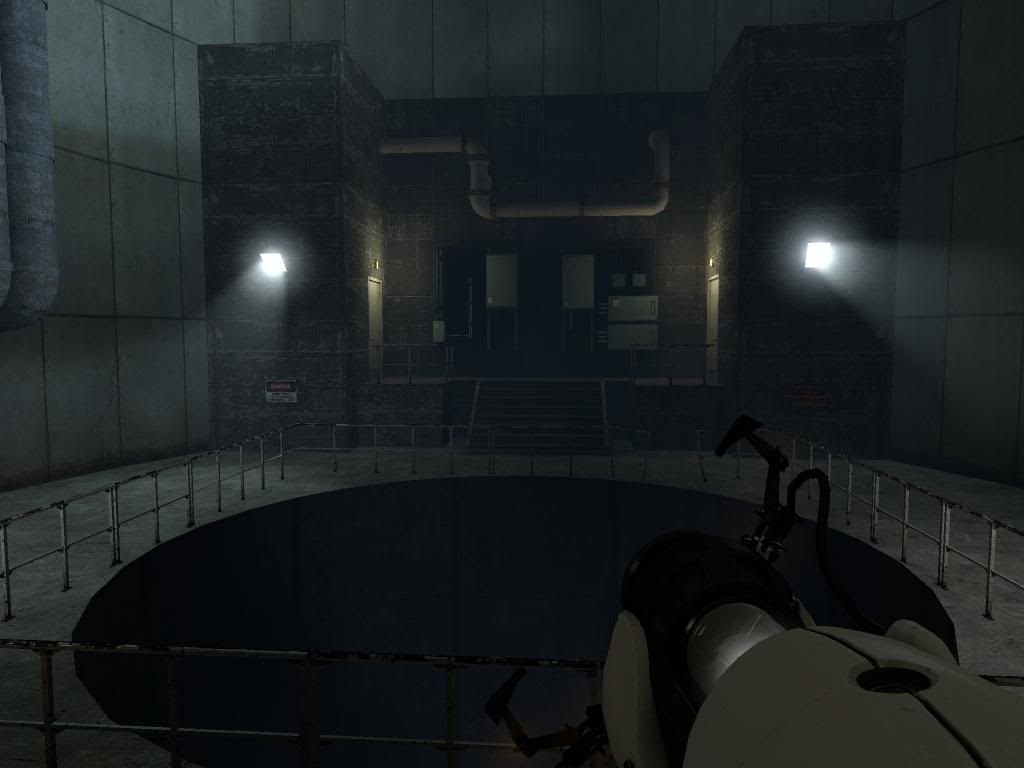
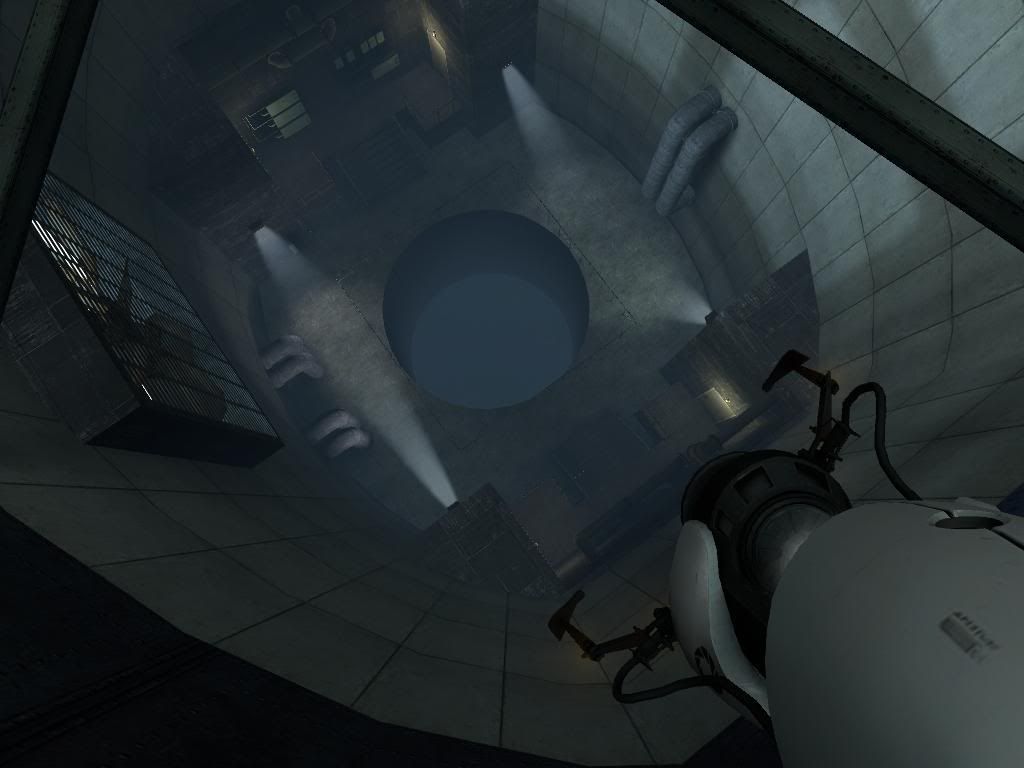
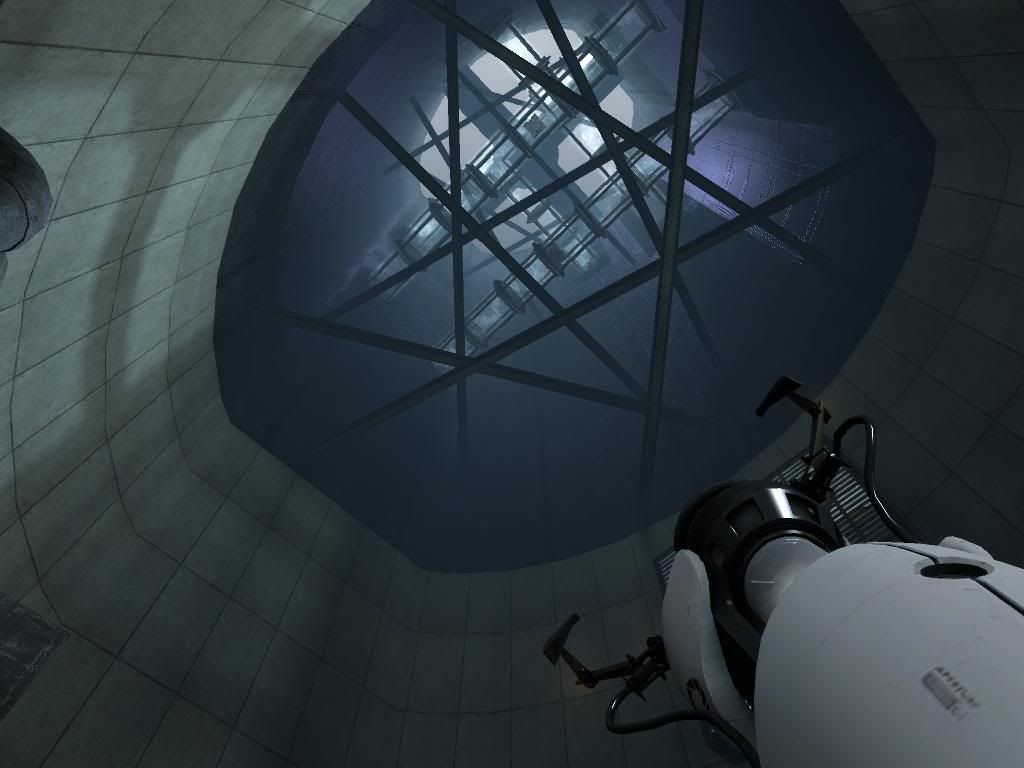
Megadude wrote:
some pic links
every time you release something it gets better and better. for example the last beta was amazing. and this crap you just posted here? it looks insane! AMAZING! MAN KEEP UP THE GOOD WORK!
Megadude wrote:
http://i26.photobucket.com/albums/c113/megadude2006/journey/beta02.jpg
Can you tell me please how to made the right window?
I dont know a lot of things but this windows... i need it!
What texture or model is it? A lot of thanks.
The stairs too interest me seriously thanks ^^
PD: I need too how made a tipic panel of
camera 04, and the advirsories at down. Sorry for asked a lot. Thanks for all to all.

SaSuK3 - The window is made from brushes, and is a variation on the ones you see in Portal, (you can see the exact build of the official windows in the source map in Hammer). For the one in the pic, the vertical brushes are 16x16x128 and are textured with plastic/plasticwall003a. The thin horizontal brushes go all the way across the window, (except for the 2 vertical brushes), and are textured with plastic/plasticwall004a. The glass filling in the gaps is glass/glasswindow_refract01, (be sure to tie the glass brushes to func_brush, or else the texture will not look right).
As for the stairs, if you look at the raised platform in the source map provided in Hammer, that is basically what each stair is like, except the platform is about 4 times as wide as each stair.
More pics time
http://i26.photobucket.com/albums/c113/megadude2006/journey/game01.jpg
http://i26.photobucket.com/albums/c113/megadude2006/journey/game02.jpg
http://i26.photobucket.com/albums/c113/megadude2006/journey/game03.jpg
http://i26.photobucket.com/albums/c113/megadude2006/journey/game04.jpg
http://i26.photobucket.com/albums/c113/megadude2006/journey/game05.jpg
http://i26.photobucket.com/albums/c113/megadude2006/journey/game06.jpg
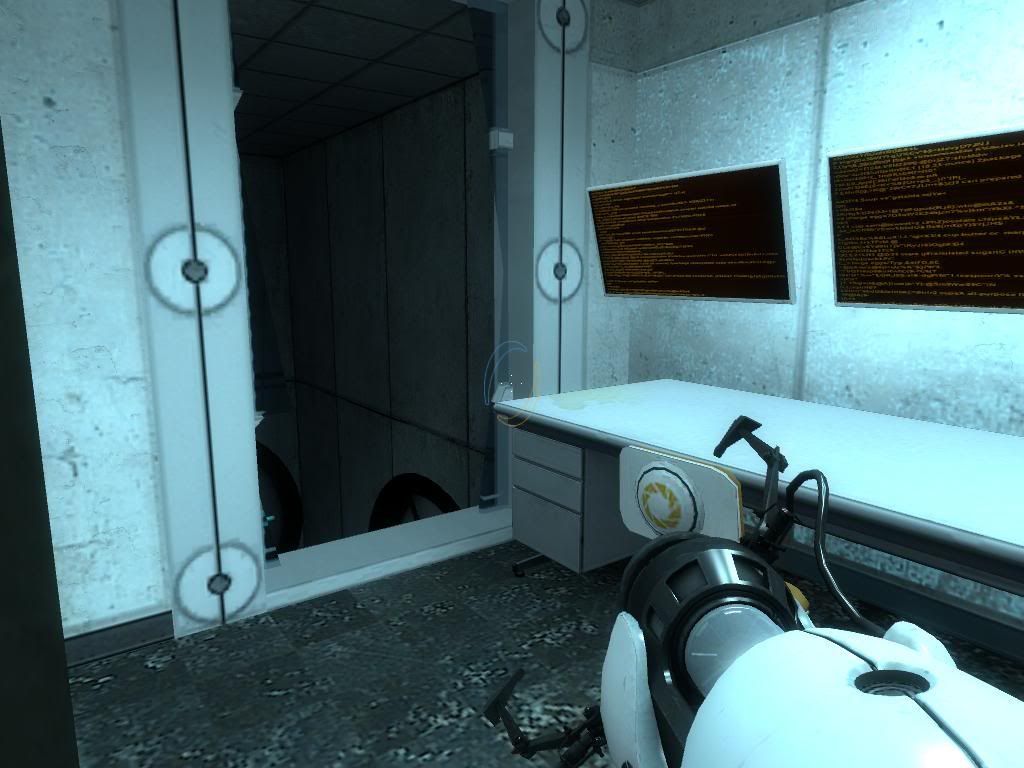
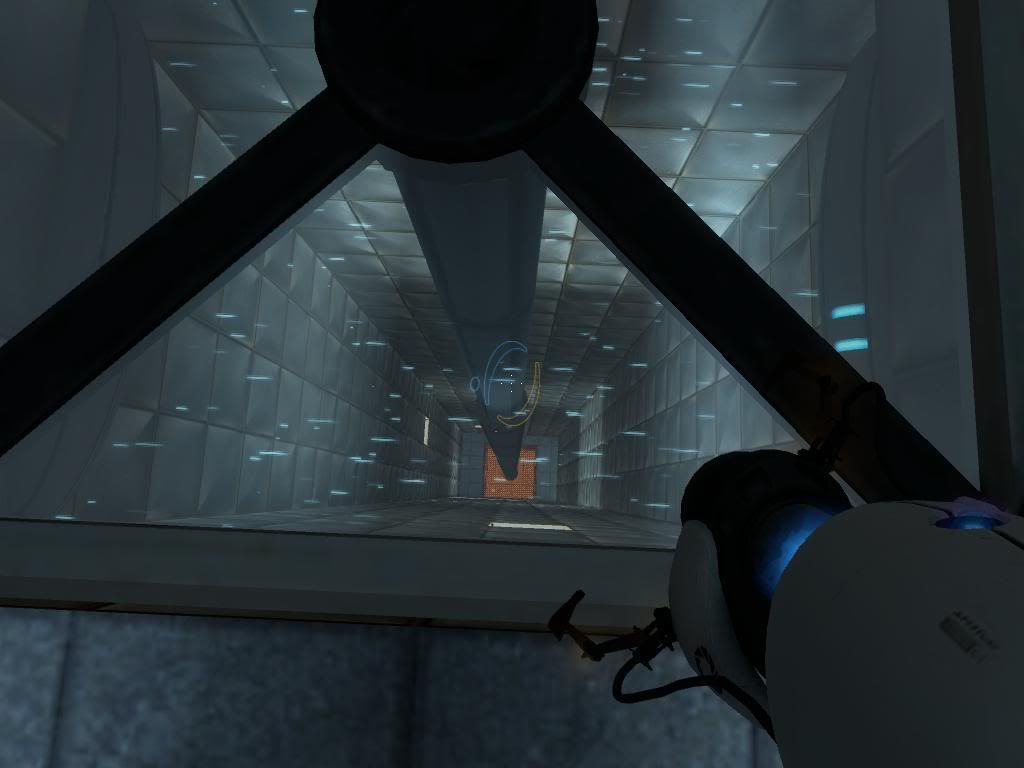
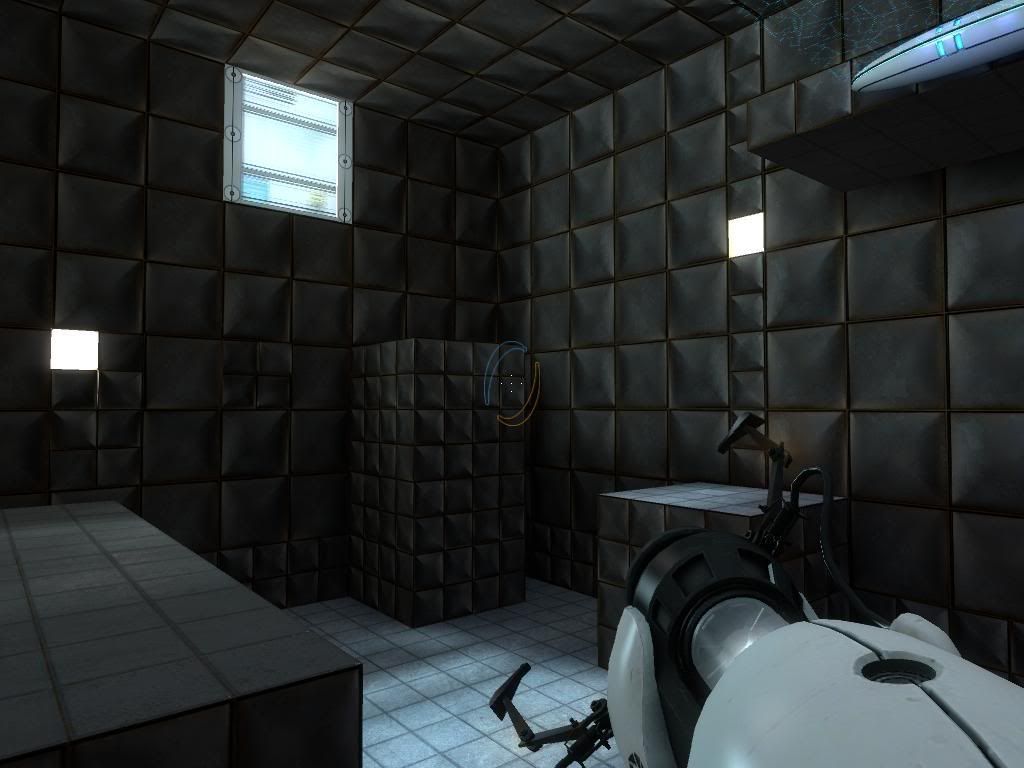
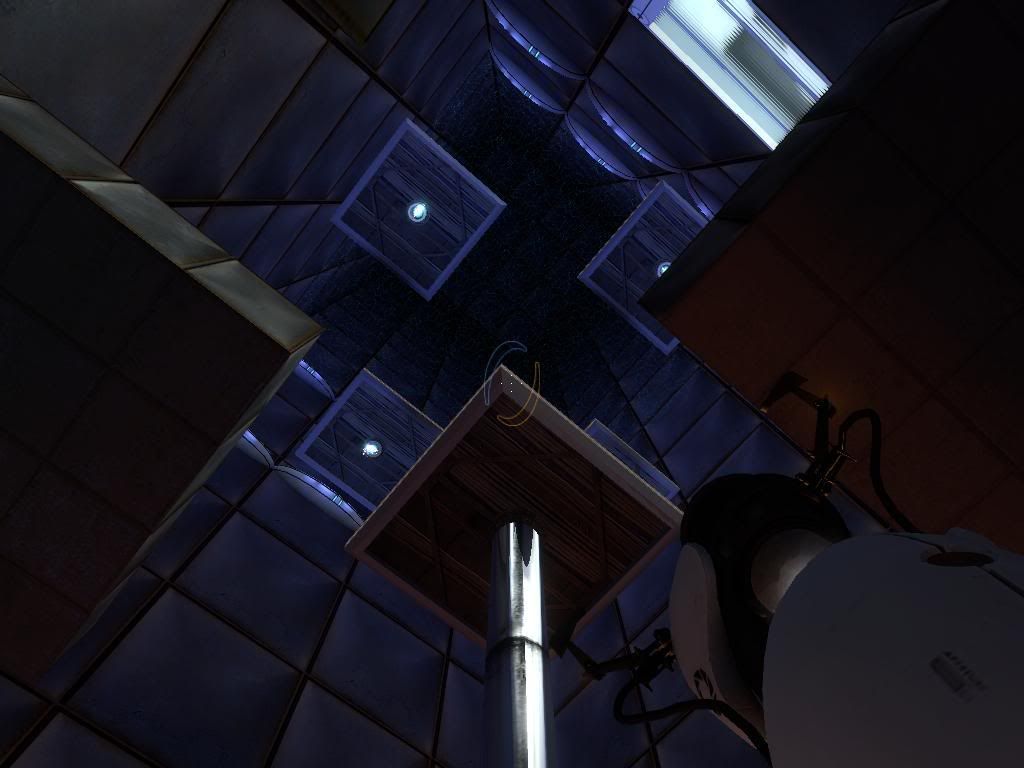
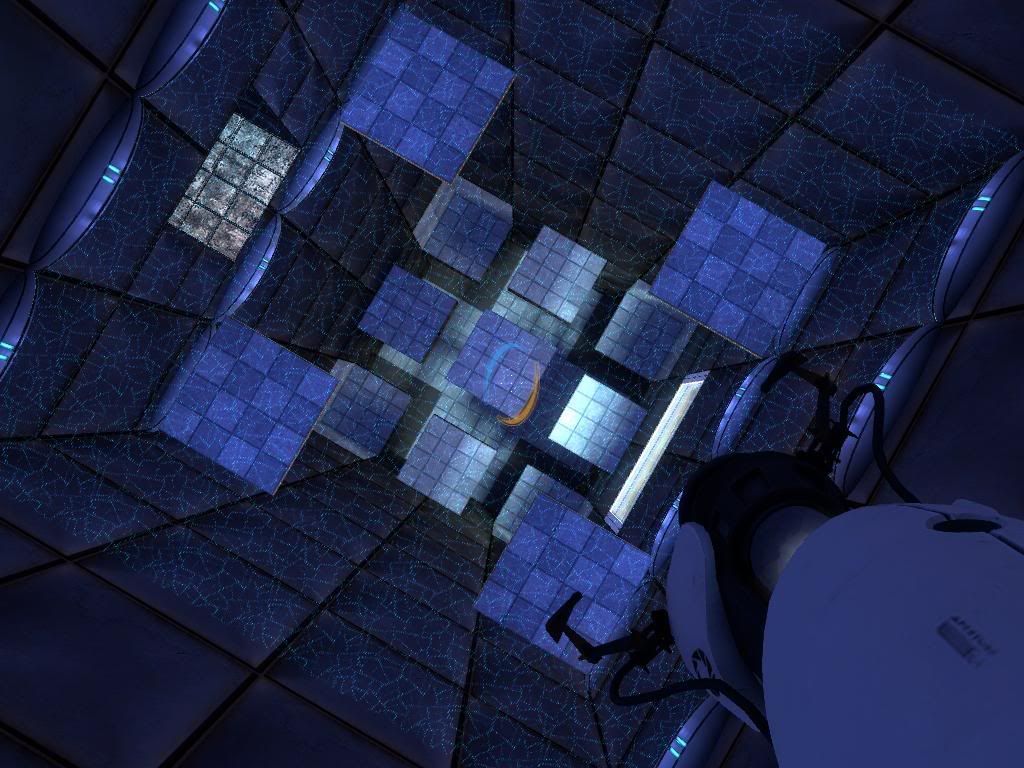
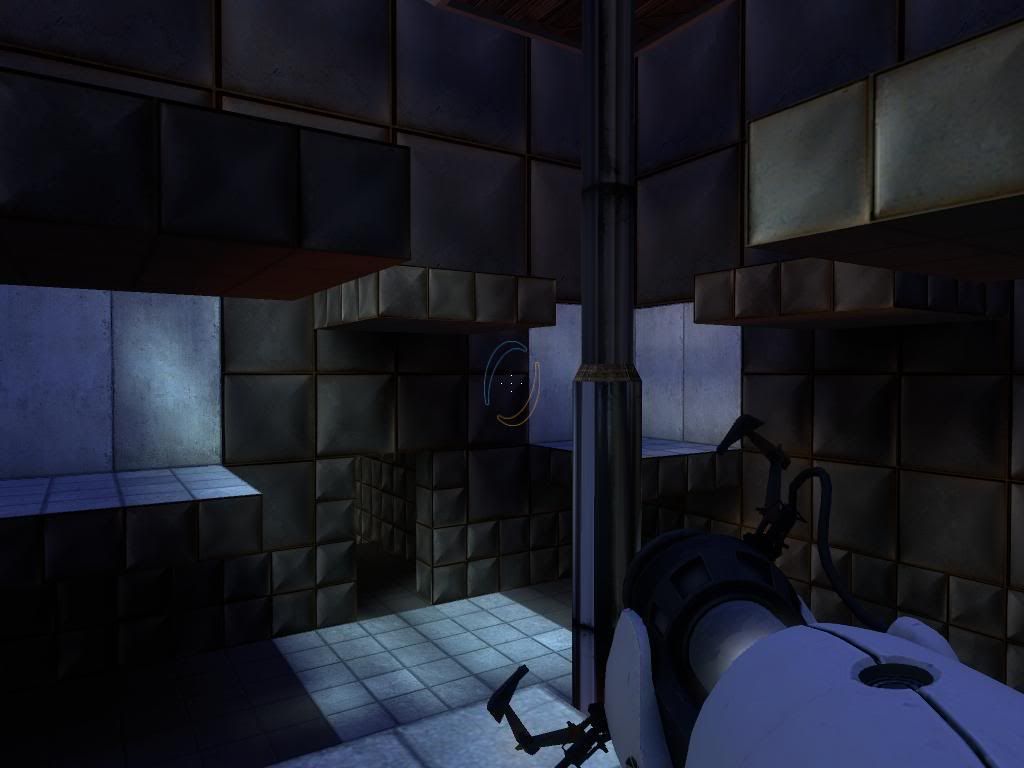
In the pic game04, you will see the area at the top of the room is very bare. It's because I haven't started on that part yet, but I will very soon. Also, in the pic game05, there is a weird shiny bit on the left of the pic. That's because I forgot to put in cubemaps before compiling
I've got a slight problem though. I have a few func_physboxes in this part of the map. However, when they go through a nearby fizzler, they do not fizzle, no matter what flags I set on it. Props and portals fizzle ok. Anyone got any ideas on what is stopping the fizzler from fizzling, or know of a workaround for it?
edit: thanks, i did it!
Soonest you seeing me in a new post asking about all jajaja. Regards ands thx again
http://pcmedia.gamespy.com/pc/image/article/783/783941/portal-20070426043157438-000.jpg
Do you know how do the panel of right? the 04 and the signals?
Not matter if you dont like answer

More pics. Think I've finished this puzzle. Just many, many more to go.
http://i26.photobucket.com/albums/c113/megadude2006/journey/game07.jpg
http://i26.photobucket.com/albums/c113/megadude2006/journey/game08.jpg
http://i26.photobucket.com/albums/c113/megadude2006/journey/game09.jpg
http://i26.photobucket.com/albums/c113/megadude2006/journey/game10.jpg
http://i26.photobucket.com/albums/c113/megadude2006/journey/game11.jpg
http://i26.photobucket.com/albums/c113/megadude2006/journey/game12.jpg
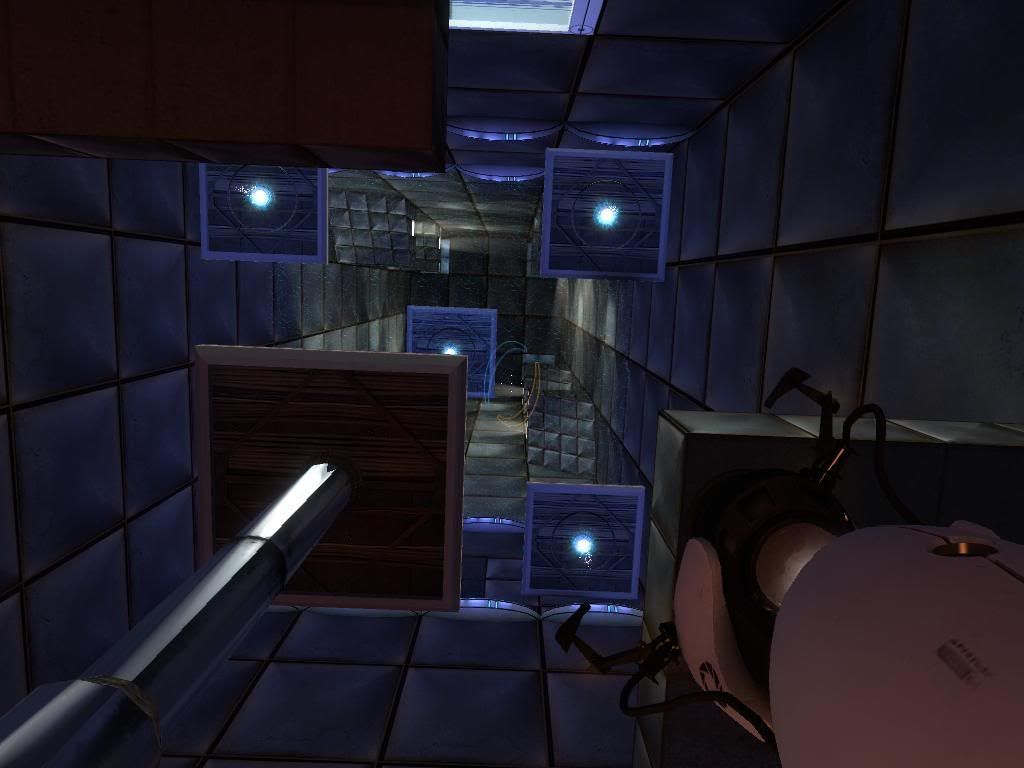
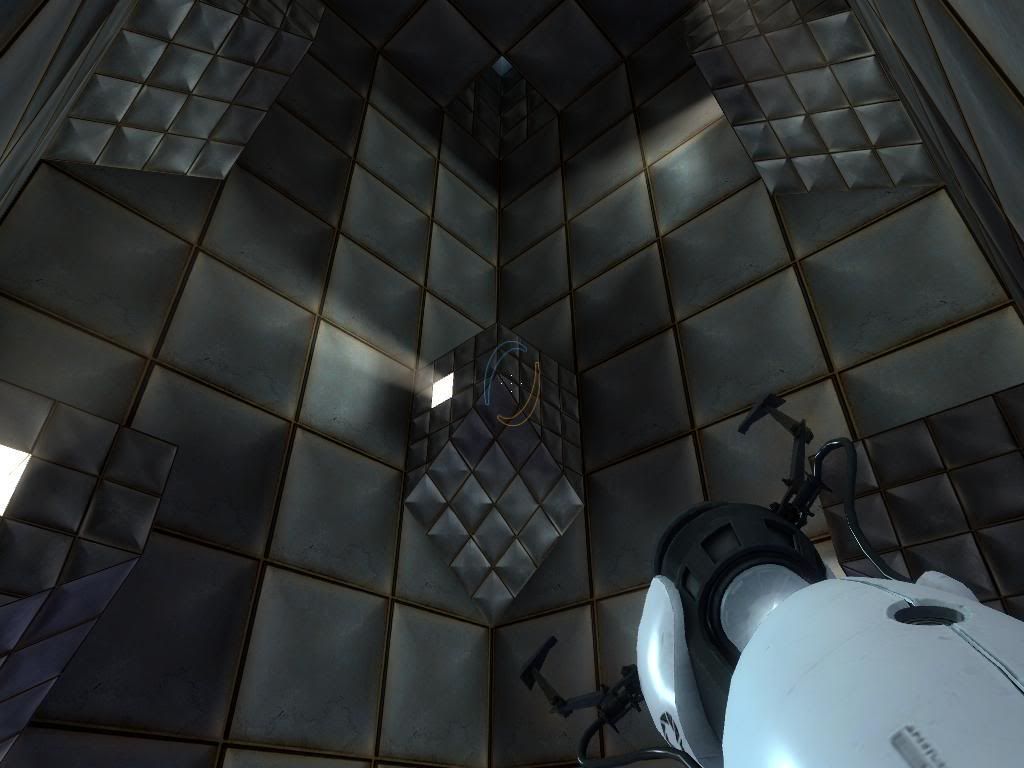
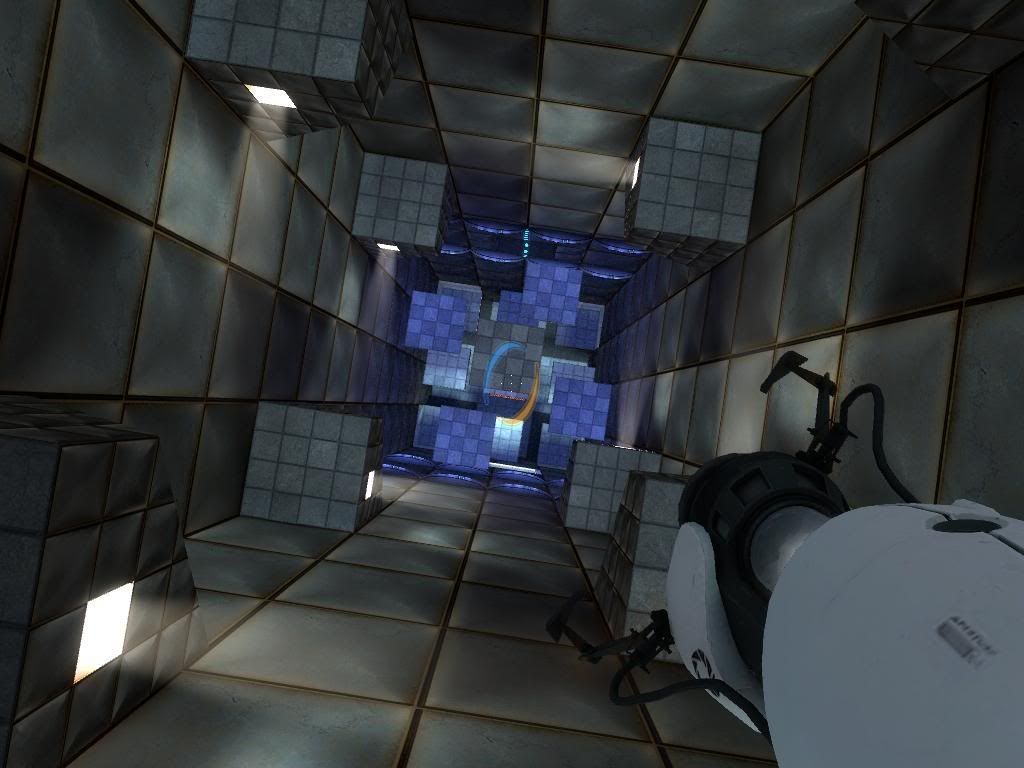
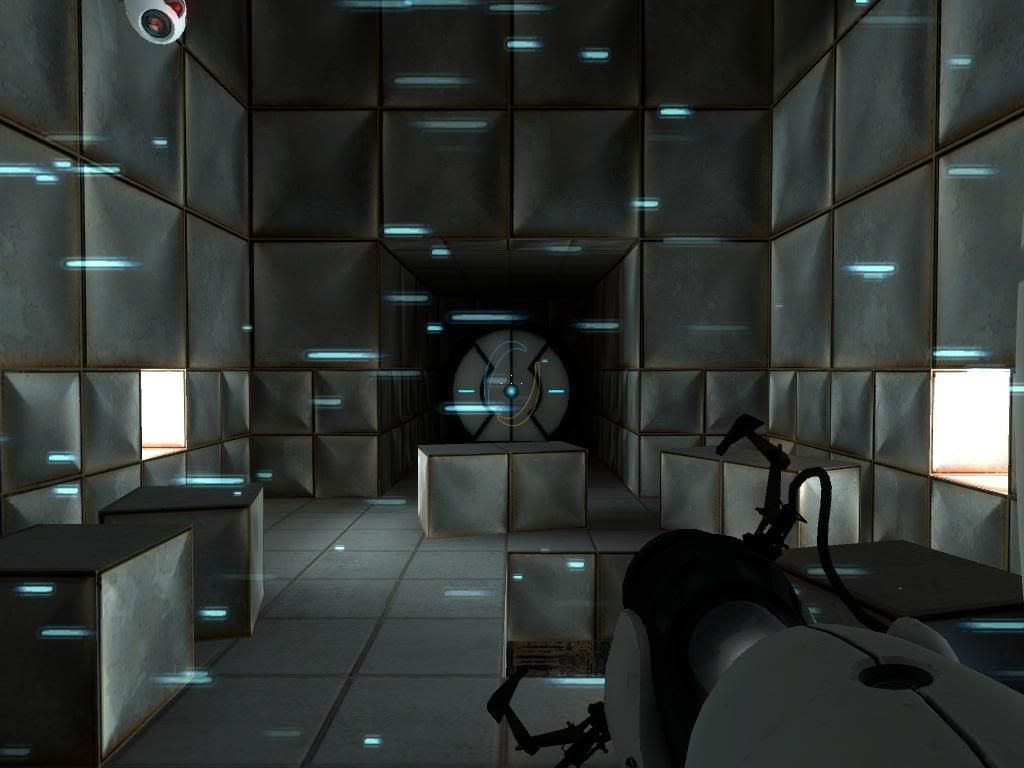
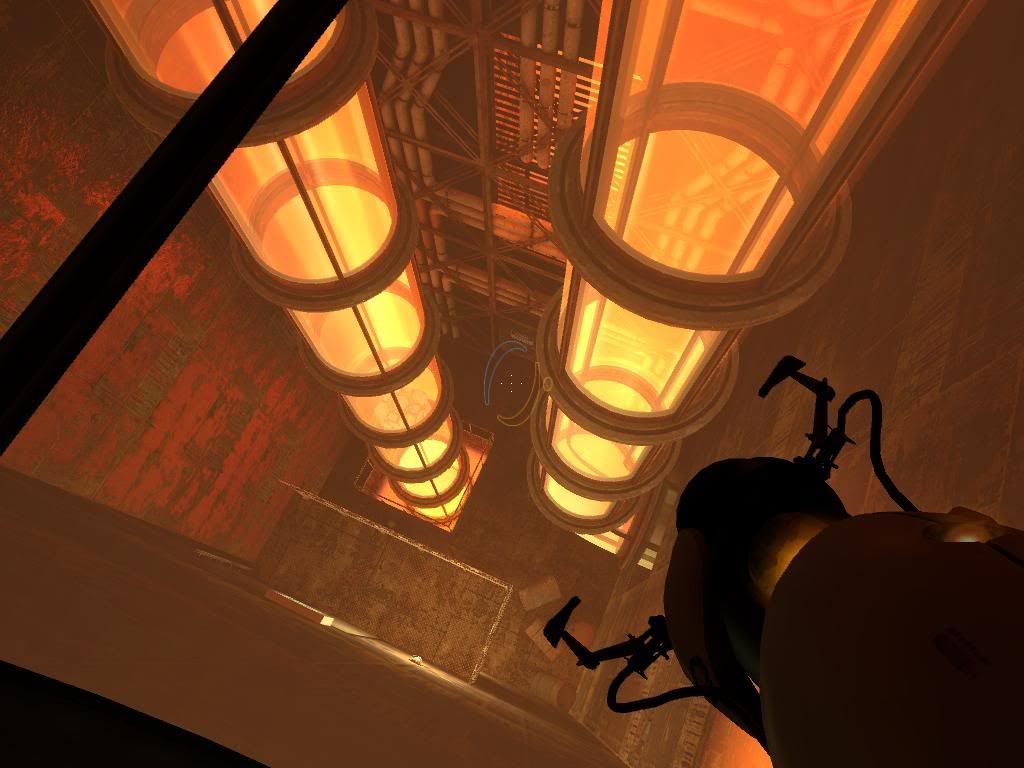
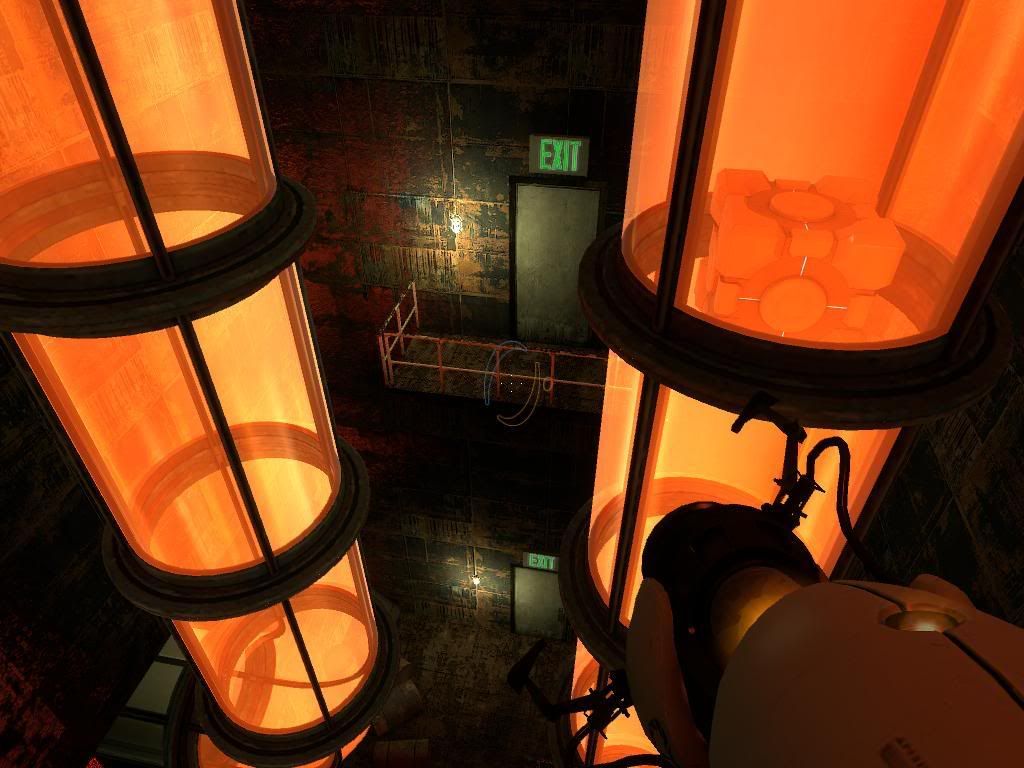
Your captures like me. How many time along are you work in it?
And... when the complete map? Regards and thanks again.