PERFECT CUBE STRIPES!
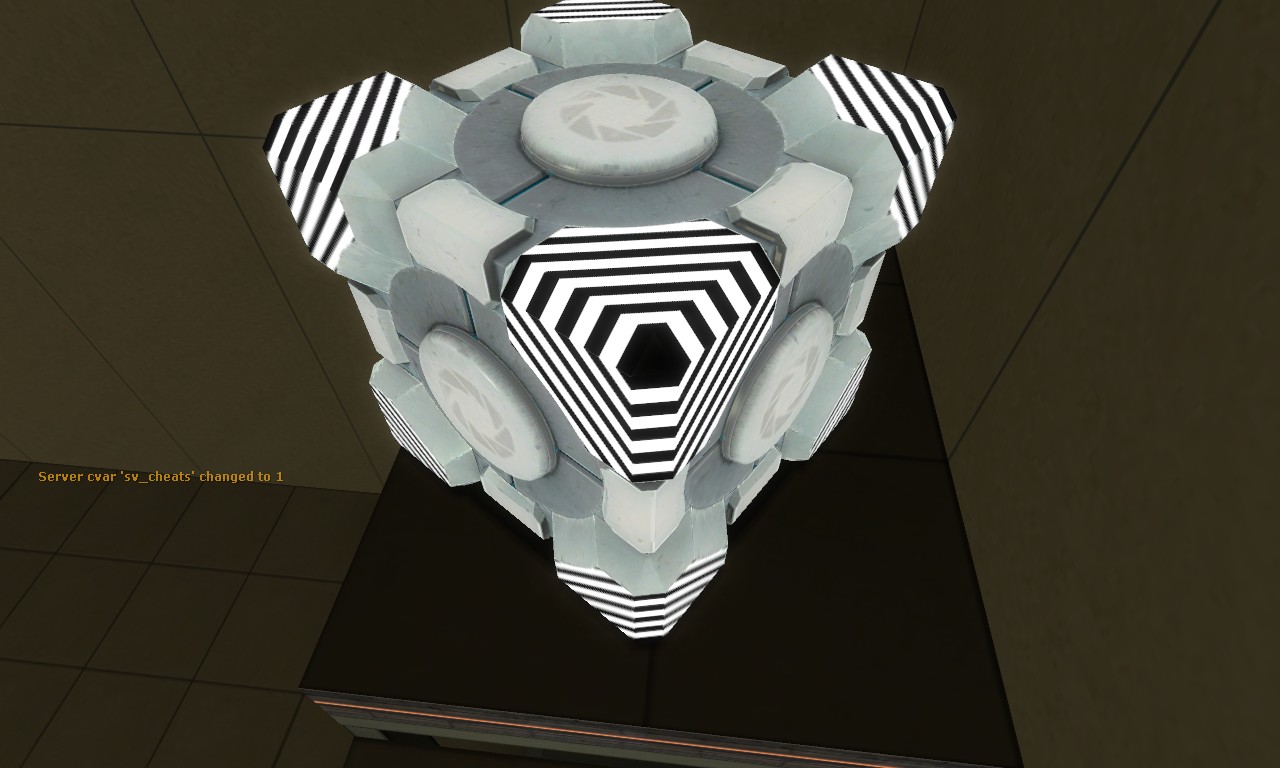
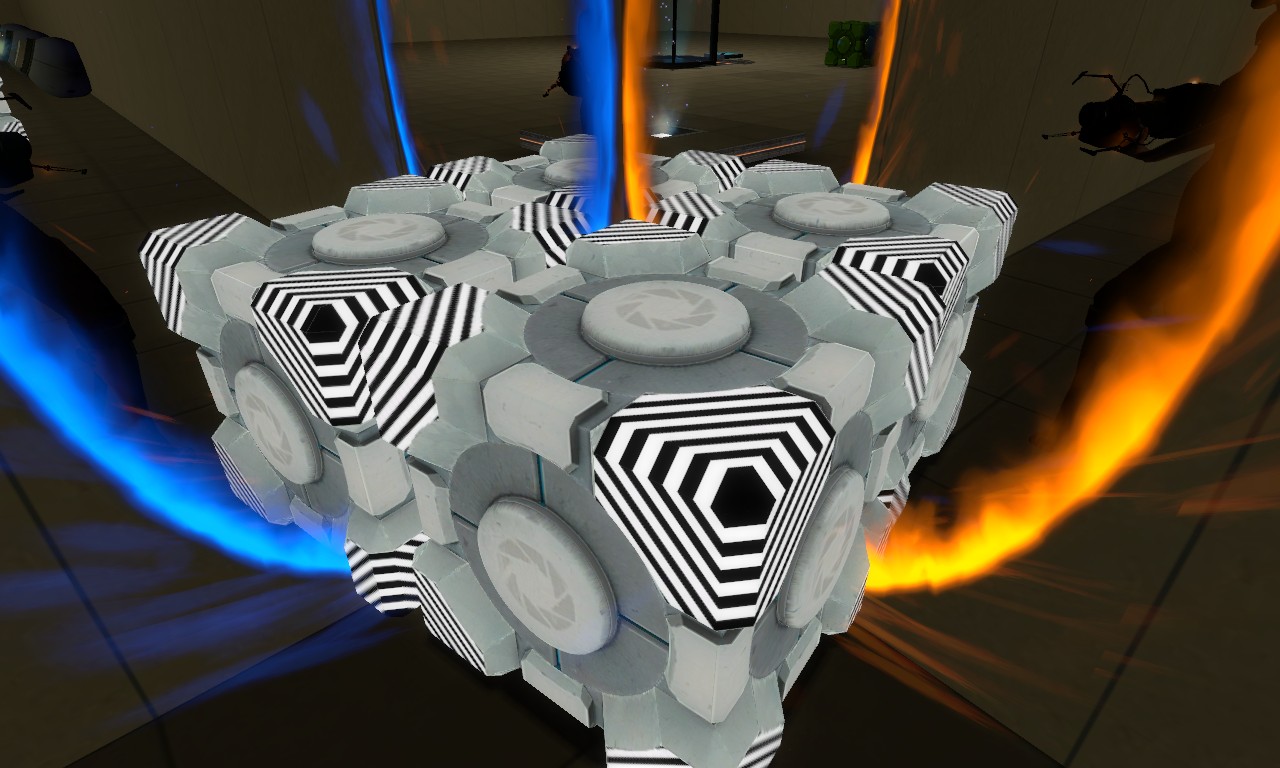
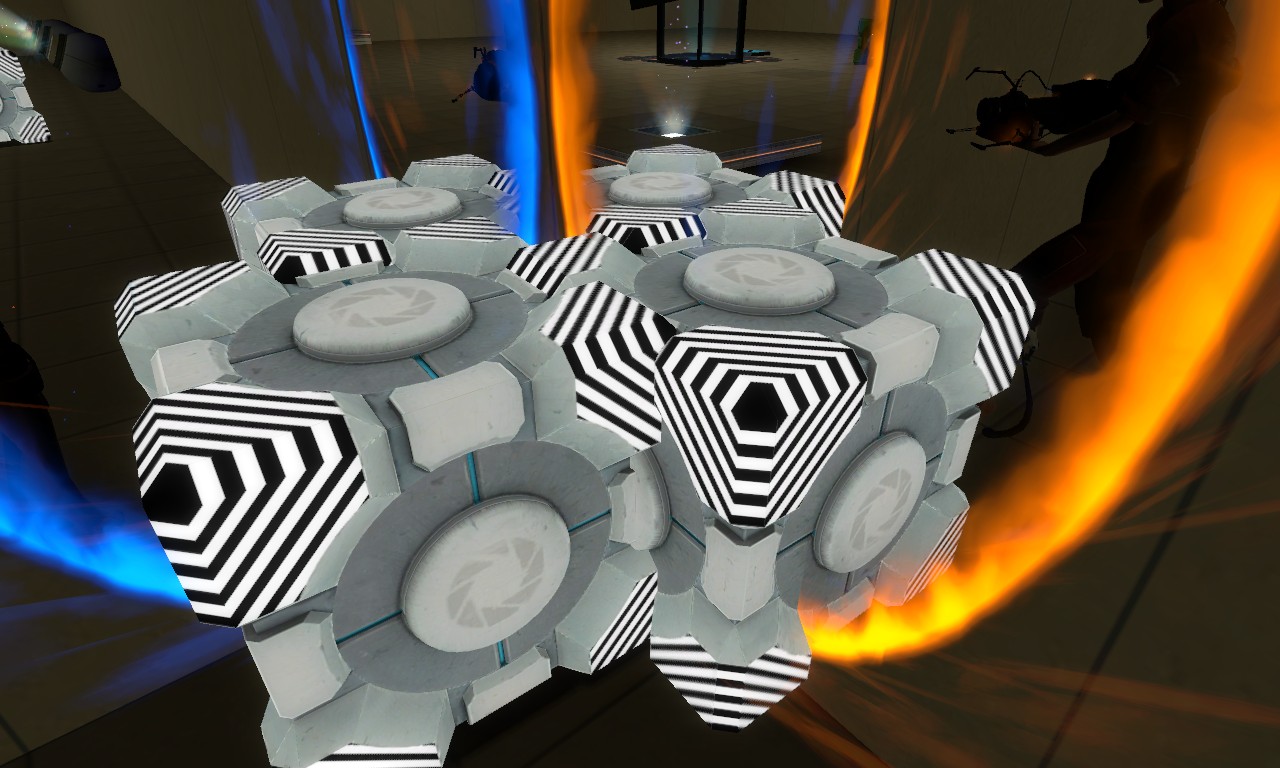
I just realized I should have made the corners WHITE, not BLACK. Oh well, I can fix that whenever.
With this BRIGHT WHITE and BLACK contrast, from far away the cube goes VERY BRIGHT until you get in close, and it starts to fade back to normal. 

Basically I'm still in the process of finishing up, but what I'm doing is cutting up the VTF into different parts, the big corner part, the little edge part, and each face of each part, too. That simplifies things SO much,
The pen tool is SO powerful. I love it.
Resizable vector paths, yes please!
theVDude wrote:
Haven't gotten to do a lot of work, but I've gotten more of it sectioned off.
Resizable vector paths, yes please!
That's the one thing I wish Paint.Net had; vector-based capabilities. It would be soooo helpful at times to be able to change a line. Of course, you can do the same thing with a mess of layers, but it gets a bit crowded.
theVDude wrote:
I used to never use the pen tool, but a few years ago it became one of my favorite tools. I've never quit using it since I've learned how AWESOME it is.
I tried to learn how to use the pen tool several times before I gave up. Marquee tools are the way to go for me.
Photoshop 2 would be WAY old. I started learning photoshop 5 or 5.5. and CS4 is basically photoshop 11. I think I've only skipped photoshop CS, since it was pretty much photoshop 7 with a more user friendly GUI and a bit more optimized filters for what I was doing then.
jrlauer wrote:
I have photoshop 2. It's worked so well I don't see a need to upgrade to 3 or 4. Does anyone have photoshop 3 or 4?
You referring to CS2, CS3 and CS4? Like theVDude said, Photoshop 2 is quite old, whereas CS2 is more recent and the version I use.
One of the easiest ones I've seen is a tutorial where you trace a penguin. I'll see if I can find that one. It's easy and helpful.
reepblue wrote:
Paint.NET is free and pretty much can do what Photoshop can. Also you can Download a tool off Nemstools to make it read vtfs.
As a user of Photoshop at home and Paint.NET at work, Paint.NET sucks major balls. It holds nothing on Photoshop.
reepblue wrote:
Paint.NET is free and pretty much can do what Photoshop can. Also you can Download a tool off Nemstools to make it read vtfs.
Very true--the VTF plugin replicates all of the options in VTFEdit; the only thing it can't do is make the VMT.
Remmiz wrote:
As a user of Photoshop at home and Paint.NET at work, Paint.NET sucks major balls. It holds nothing on Photoshop.
I beg to differ. I think a complete lack of price is something to hold on Photoshop at the very least.
WinstonSmith wrote:
I beg to differ. I think a complete lack of price is something to hold on Photoshop at the very least.
Who pays for Photoshop?
Remmiz wrote:
Who pays for Photoshop?
 I don't think I ever heard of one person that bought an Adobe product. Its just too expensive.
But Paint.NET of course is not suppose to be better then Photoshop. Just a tool to get things done. I just use it to make vtfs easier.