Lighting Issues
thanks
Im attaching a photo
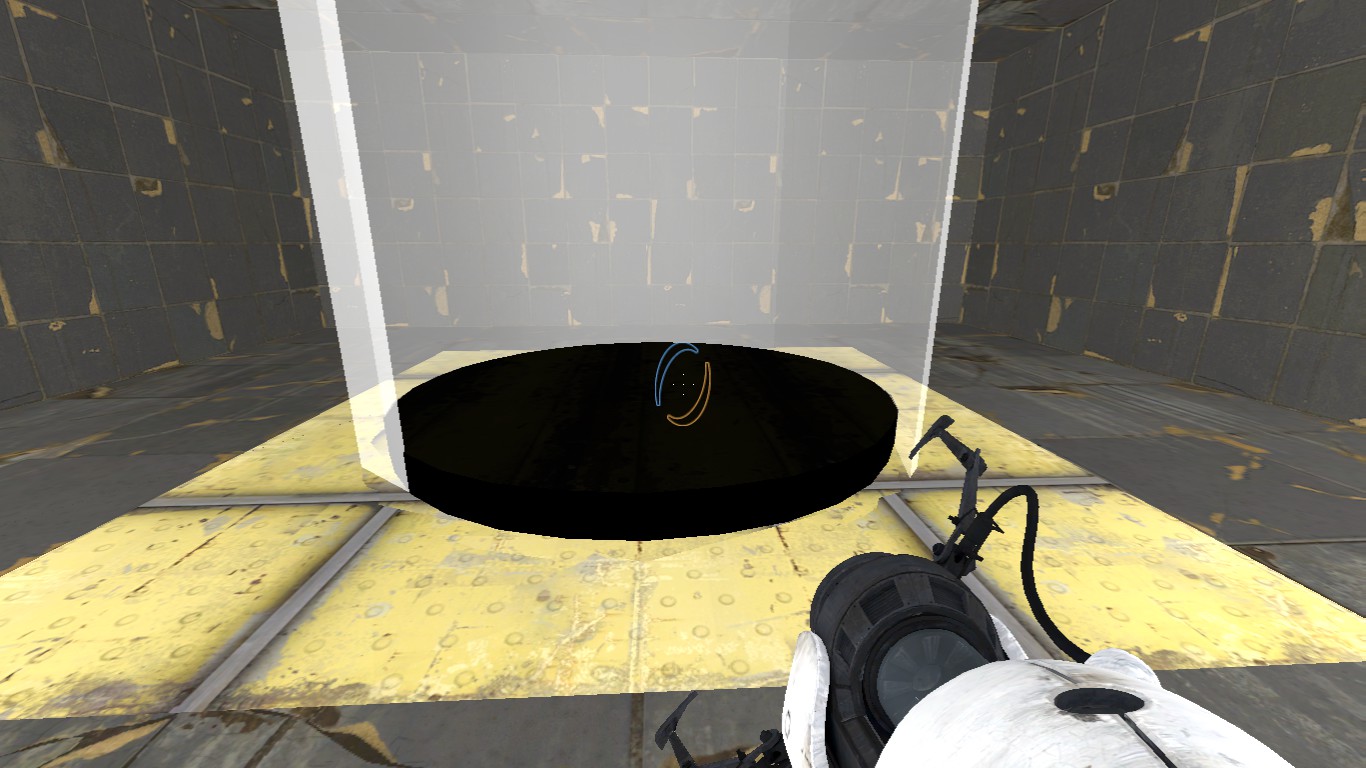


To answer your question though, you can give the light entity a "name", and toggle it off and on that way. But you still need at least 1 static light.
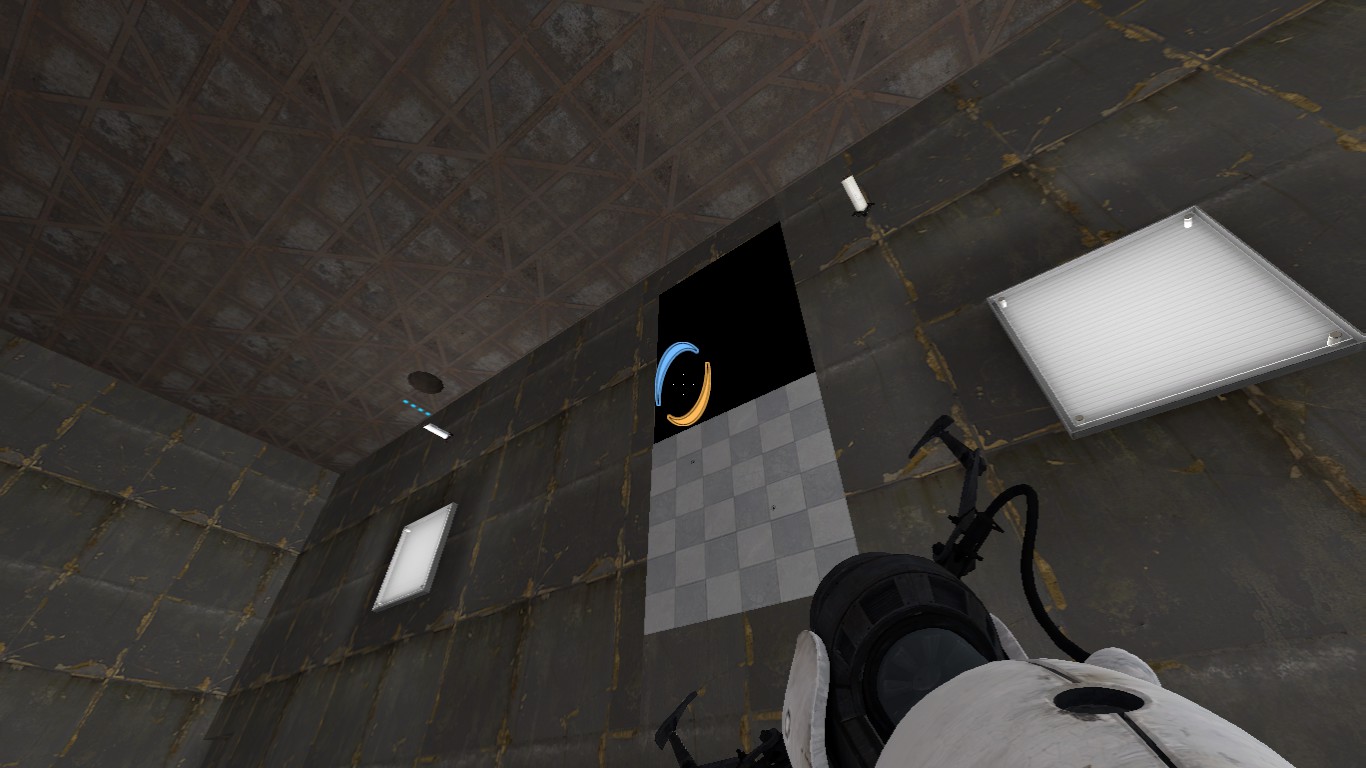
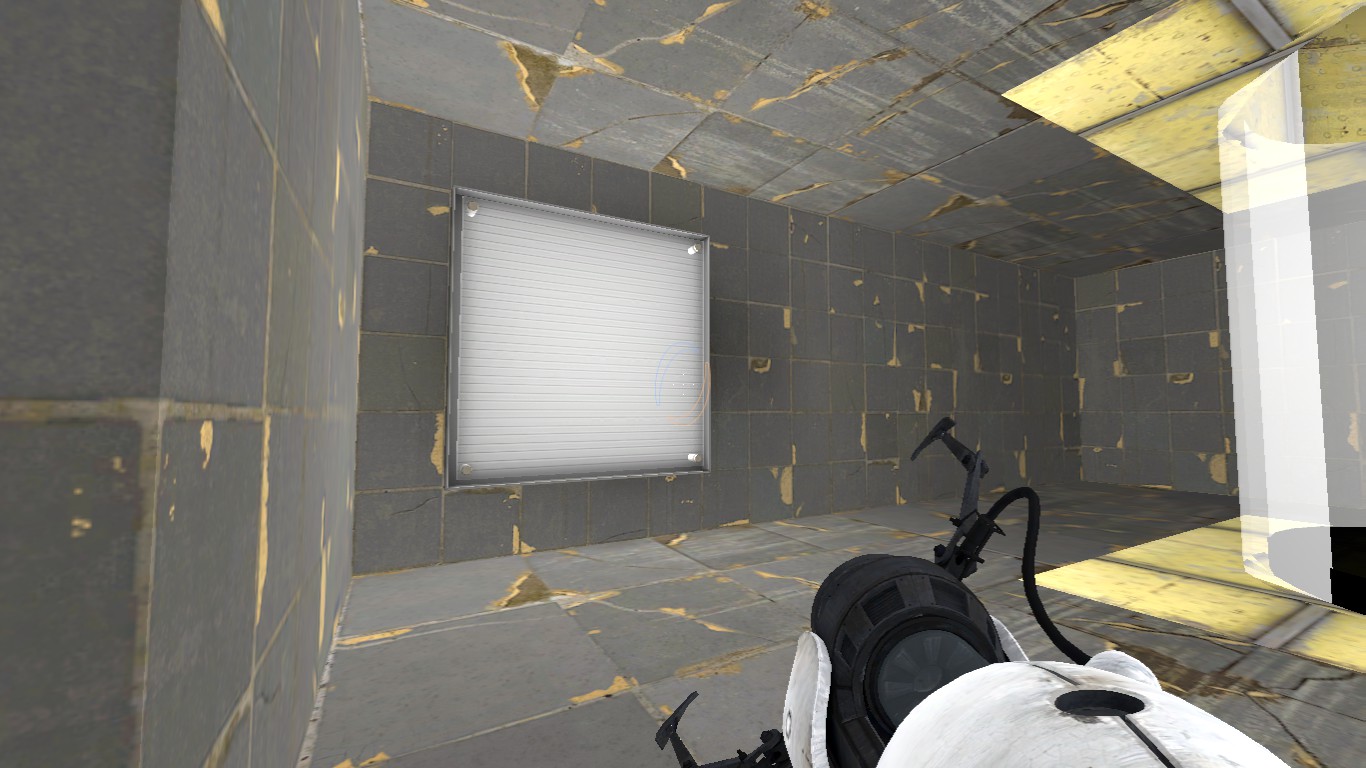
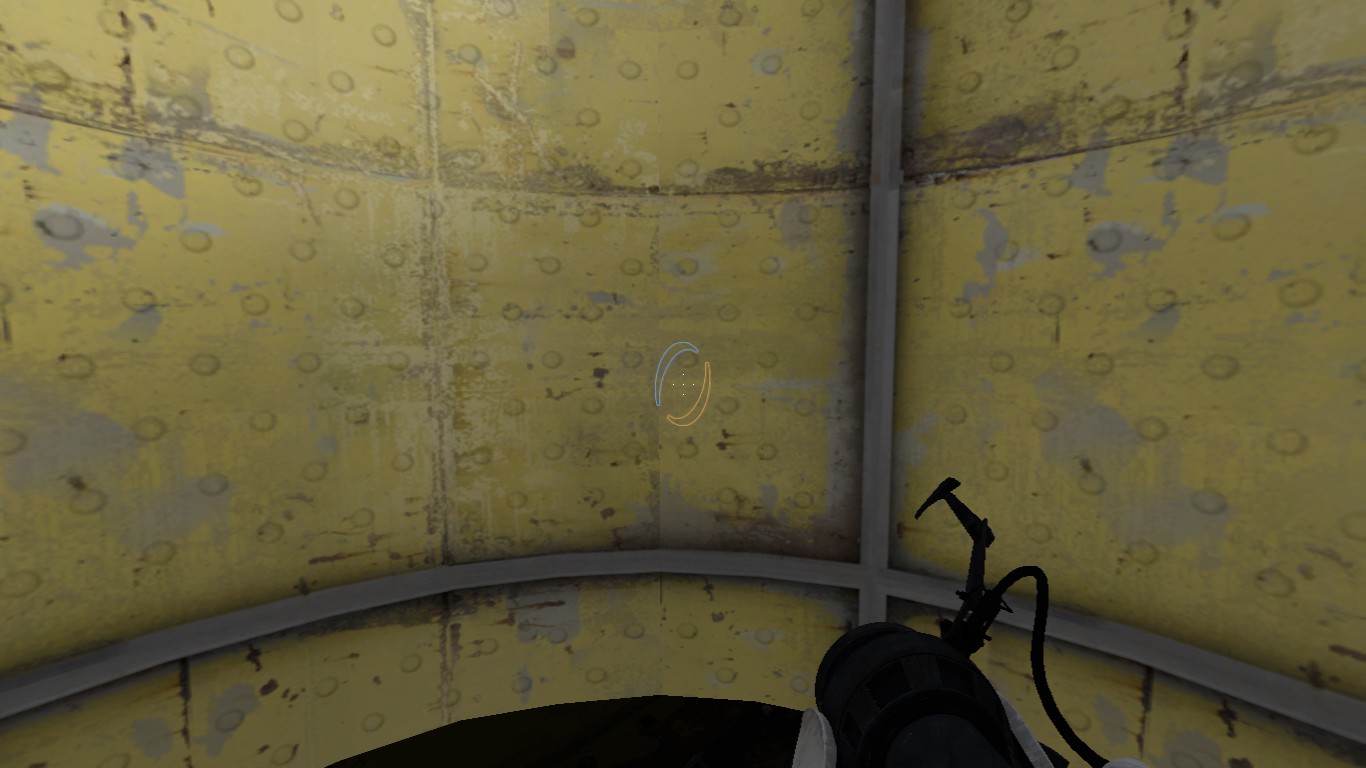
EDIT: Never mind the idiotic first quote I made. What you should do is make the entity start expose to the lighting then when your map starts then fit into its surrounding. I'll repost an example.
Ok first of al make sure you brush is exposed during the lighting process. This will prevent turning your brush black.
http://i588.photobucket.com/albums/ss32 ... /ex1-1.png

second of all, make sure you have a way to return it to the desired position
I this example I used a trigger to put it in the ground athough there are other ways to do it. I'm assuming you know the input output system.
http://i588.photobucket.com/albums/ss32 ... ts/ex4.png

This is the results I get in game from leaving the brush exposed.
before triggered
http://i588.photobucket.com/albums/ss32 ... ts/ex2.png

after triggered
http://i588.photobucket.com/albums/ss32 ... ts/ex3.png

Hope this is helpful.
What type of brush are you using?