Help with Map Spawning with No Lights
I searched on Google along with the site and all I got was people talking about panels should be spawned in the open position to let light into part of the map. But this is not the problem. Please help...

To check if the lighting is working correctly do a full compile. I know this sounds silly but make sure that you check your lights brightness and max distance it can cast light. Most probably your lights are 'conking it'.
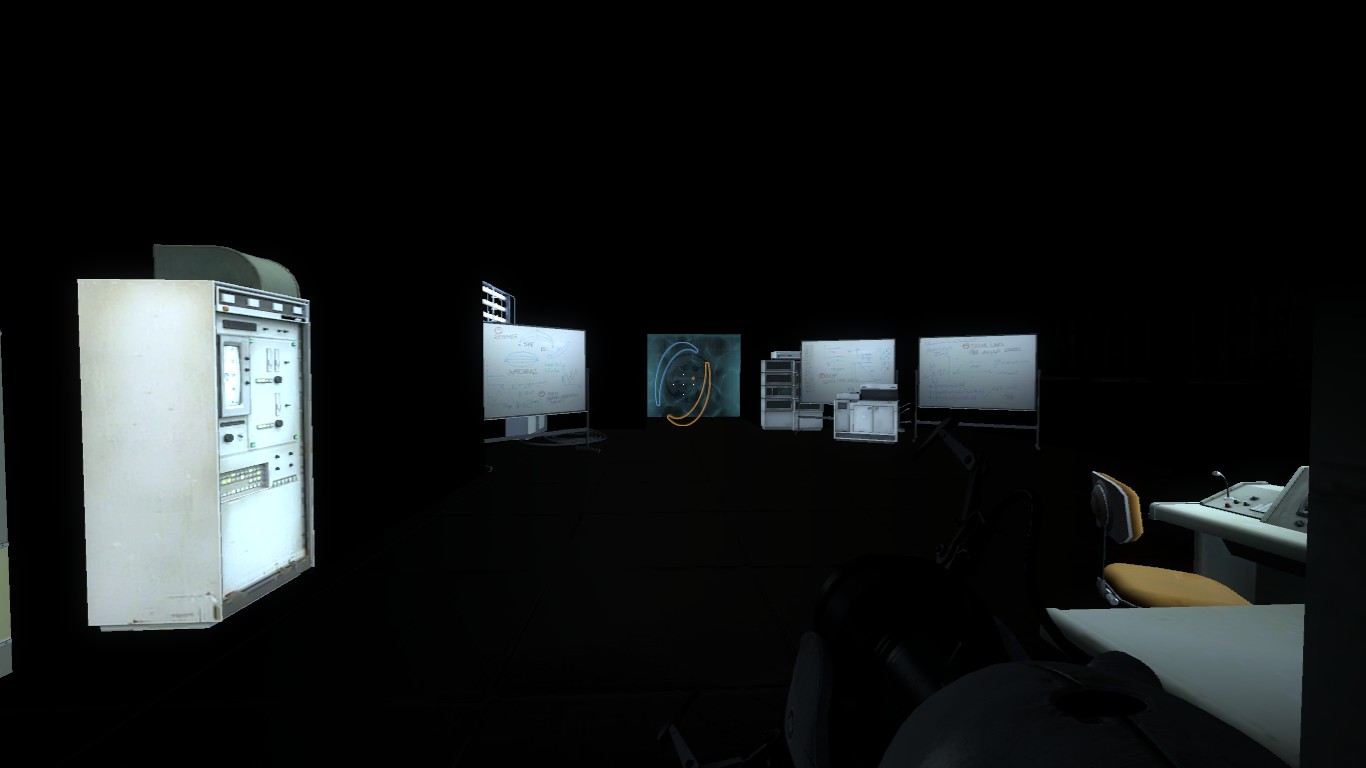
You said you removed the brush from the top and then this happened? Did you have a big box around your map?
I think it's a good idea to share you vmf so we can look into it, try to figure out what's wrong.
chickenmobile wrote:
does your map leak at all? I can see how a leak could affect your leafs and not create correct lighting.
^^ what he said
also, please never ever ever surround your map in a box again.... try deleting the box and compiling... you'll probably have a leak
so click [map]->[Load Pointfile], and it will take you to your first leak, do this again and again and again, until you have sealed your map, then see if you still have a lighting problem...also keep us informed
The advantage of getting rid of the box is that it's a lot better for performance, less lag and faster compile times. Building in a box should be avoided as much as possible. The only case where you need a box is in cave johnson maps where you can see the outsides and/or in enrichment spheres.
For clean/destroyed/wheatly style boxes are not-done. Because lag and compile times. Even in my big underground maps I try to keep the number of boxes as little as possible and the boxes themself as little as possible as well. Once again for the performance and for the compile time.
BenVlodgi wrote:
^^ what he said
also, please never ever ever surround your map in a box again.... try deleting the box and compiling... you'll probably have a leak
so click [map]->[Load Pointfile], and it will take you to your first leak, do this again and again and again, until you have sealed your map, then see if you still have a lighting problem...also keep us informed
Ok I tried doing what you said, but when I click on [Load Pointfile] it brings me to an "Open" screen where maps are seen and I click open, but it says map can not be found. Also, I wanted to make this big box of a map to fit in with the story, but I didn't know how else to protray what I was doing... It is impossible to just delete the box because it is the wall of my map. If I delete it, then the whole map is open to (BLACK-NOTHINGNESS) lol I'll try cruising around the part of my map where I made the last edit and see if I can fix it. But, if you have other suggestions, let me know ASAP.
EDIT 2: Alright so I did what I said and I reverted back to the normal before I added in my elevator. My lights all come back and everything is normal. So the new question is, how can I make an elevator shaft come out of this big box map without making the lights revert to black again.
There is this page on Interlopers.net which will check your compile logs for errors. After you compile a map ("normal" setting is fine), there is a <your_map_name_here>.log in the same folder as your compiled map. Open it with Notepad and copy its contents in the big text box on the page linked above, and see if anything comes up.
BlackBird Studios wrote:
Also, I wanted to make this big box of a map to fit in with the story, but I didn't know how else to portray what I was doing... It is impossible to just delete the box because it is the wall of my map. If I delete it, then the whole map is open to (BLACK-NOTHINGNESS)
Could you not make this big "wall of map" box into a custom skybox, then seal of your map with the skybox texture, and set the maps properties to your custom skybox... ?
I'm kinda guessing here as I'm yet to play/test/learn anything about skyboxes... All I know so far is they make the majority of "seen through the window" stuff, and you can make a 3D one that even shows off models and stuff....
Maybe someone with more experience can better help you on that ....