How to make signage icons self ilum again ?
It appears I got a bit rusty. I just can't figure out for the love of ...... how to make them anymore. As i'm searching trough the net i'm always stumble upon the "test chamber light board signs" but I don't need a tutorial for this cause that one I know.
The problem rises when I want to make them self iluminated and look 3d'ish like the standard cube drop, goop , arrows etc... I run into a problem with the alpha mask where it never comes out the way I like. especially because I don't have photoshop, I need to do it with paint.net with an alpha mask plugin.
Which needs to be white, and black colored (transparent), how do you make gradients that go from solid to transparent colors to design the "edges" of the icon ?
I know the part that you have to describe in the vmt file though.
thx in advance

First of all, glad to hear that you have returned to continue with your mod, a "Reloaded" version!
About self illuminated, I guess you already know that in the .vmt file of your textures you have to include the parameter "$selfillum" 1, right?
Regarding your icons, if you want to make them an overlay, include "$decal" 1
To be frank, I'm not so sure of what is the problem you're having, dude..
People liked the puzzles but now I have aid from a guy that I did other campaigns with too and we thought that the campaign could benefit from some pimping so that the maps actually look less "portal 1.5"
It's when you're making them. You make a black icon on a white background but you want the white background to be self illuminated. It needs some "alpha mask touch" but I don't remember how lol. It doesn't appear to be enough just to make a transparent tga with black symbol, becuase then you don't have a "white" background. The 'selfilum" light is going to come trough the "transperancy" set by the mask, even if the white background you want is opaque..
hope that makes sense. I just can't get the desired effect.
- Compress with DTX1 (common) format
- In flags, check "HINT DTX5", "Eight Bit Alpha", and if you want also "Anisotropic"
- Then don't forget to save it as vtf version 7.5 or at least 7.4
Also, it's necessary that you include the $selfillum 1 string into the .vmt file. That would do!
You also can't click the "8 bit transperancy" checkbox in the export menu for vtf, there has to be some transparency in the workspace, there's what I'm hitting a wall on, it always comes out wrong when I do it with masks.
Try both approaches and see them in-game, then decide what do you likee most.
This is what i'm getting, either that or no self ilum even when the vmt files are correct.
blacktransparent.png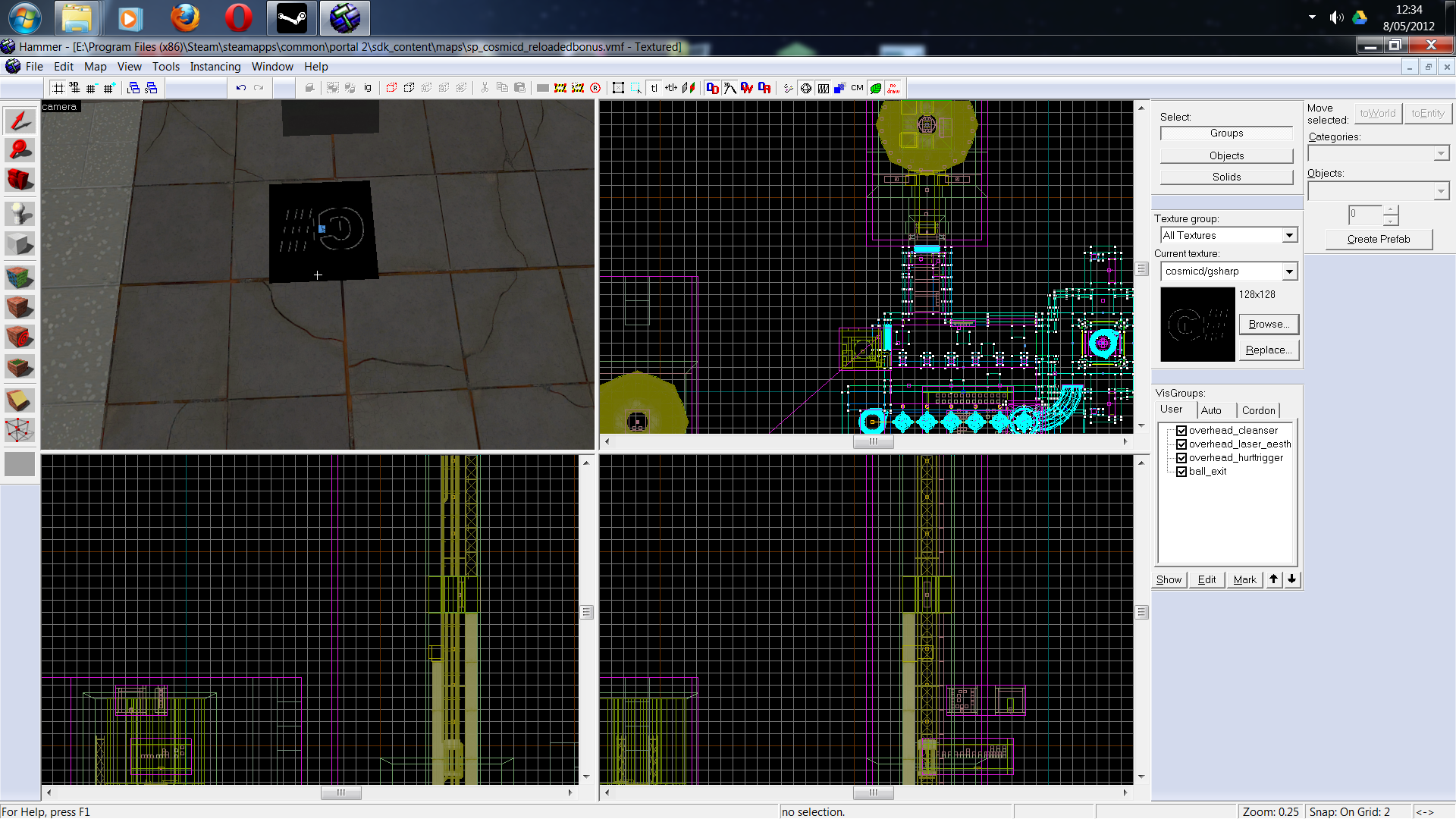
Or is it white background?
It's just that paint.Net is so shitty if it comes to internally handling alpha channels which is needed for this particular case.
Hell even importing tga's saved with paint.Net handles differently than exporting with a vtf plugin directly from paint.net so i'm confused, on top of all other confusing stuff 
There must be something I'm missing here. It so strange that you are having those black background textures!
What kind of surface type have you selected in Paint.Net when you saved as .vtf? (I'm assuming you already installed the .vtf plugin for Paint.Net, right?)
Also, did you REALLY make a WHITE background? Are you using any kind of plugin for making the texture any transparennt like "Alpha Mask" or something?
Would you please post the .vmt??
As I merge down the layers in the process of saving to tga, and then import these tga's with vtfedit, THEN it actually works