Glass and Smash

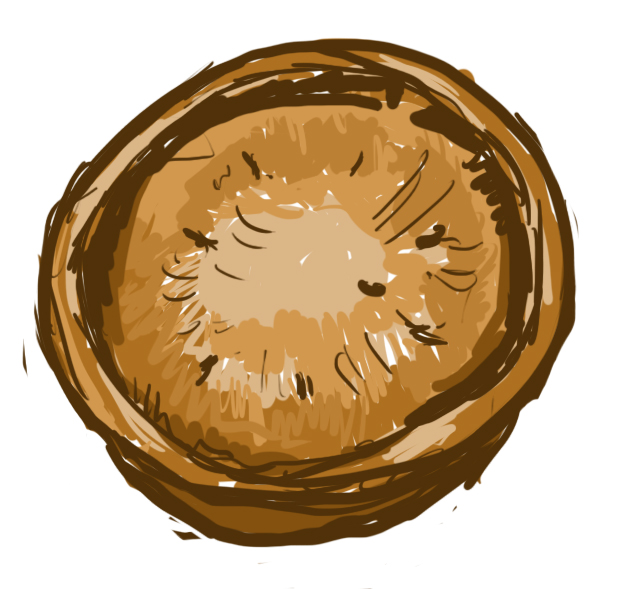
 ?? I had to hold my mouse pointer over the drawing to know that's a cake (it looked like an empty nest to me, sry
  maybe because of the nest prop in Portal2???
  )... What do you mean by that post?
Place a trigger_once over the glass model and have it change the model's animation when triggered.
Since the model has no collision, add a nodraw brush over the glass model and disable it when the trigger_once is triggered.
The model has no sound, use a ambient_generic to play the breaking sound once it has been triggered.
Also, PIE.
ChickenMobile wrote:
pie1.jpg
Are you saying that its as simple as pie?
Habzs wrote:
Also, PIE
[OFF-TOPIC] Pan Island Expressway? O_O
We used the same technique for our Halloween map. It looks great in my opinion, the only problems might be that the somewhat greenish tone of the glass doesn't fit your chamber or that seasoned players could recognize it and will be expecting the breaking. Maybe a creative use of light can prevent that though.
Here's how to do it:
||Place a prop_dynamic with the model glass_b1.mdl and name it, for example "glass_normal".
Create a second prop_dynamic with the model glass_break_b1_edge.mdl and name it, for example "glass_edges". In its properties, set the Render mode to "Texture" and set the FX Amount to 0 (this makes the model invisible).
Next, create a prop_dynamic_override with the model glass_break_b1.mdl and name it, for example "glass_break". In its properties, set the Render mode to "Texture" and set the FX Amount to 0. This is a model that has cracks inside the glass and that can break into the gibs I mentioned earlier.
Now, place these three models in the same place. Not one unit apart, ontop of each other or anything, simply the same spot. So instead of three glass models like this: "l l l" you only see this now: "l".
You now have a visible glass surface, an invisible glass surface with cracks and invisible corner pieces of glass for when the glass is broken eventually.
Now all you have to do is trigger the "swap" of the models. In our Halloween map, we used two func_breakables. Number one triggered the cracks to appear, number two triggered the breaking. Let's assume you just want a surface on the ground the player steps on and you want it to break under his/her weight.
In this case, you could place a trigger on the model and add these outputs:
MyOutput - Target Entity - Target Input - Parameter - Delay
OnTrigger - glass_normal - Kill - no parameter - no delay
OnTrigger - glass_break - Alpha - 255 - no delay
OnTrigger - glass_break - Break - no parameter - 2
OnTrigger - glass_edges - Alpha - 255 - 2
OnTrigger - glass_break - Kill - no parameter - 2.01
So what happens when the player walks into the trigger is: the normal looking glass is removed with the Kill input. In the same moment, the glass model with cracks is made visible by setting it's Alpha to 255 (this is the FX Amount which you set to 0 in the beginning to make it invisible). The player has two seconds to watch the cracks before the trigger breaks the model with cracks into glass gibs while at the same time the model with glass edges becomes visible.
From the top of my head I'm not sure if the breaking comes with glass breaking sound effects already. If not, you can add ambient_generics with glass breaking sounds that are triggered at the same time as the model swap happens. Or, you could place two physboxes above the model, each just one unit thick and covered in nodraw. Set their material to glass and set the Performance mode to "No gibs" so that they don't spawn glass shards out of nowhere. Now, make the trigger break the first physbox first and the second two seconds after that. Copypaste the earlier outputs of the trigger to the two physboxes, and use "OnBreak" instead of OnTrigger. Make it so that the first breaing physbox causes the cracks to appear and the second one to break the glass.||
This must sound mighty complicated, if needed maybe I can make a video some time. But I think the effect you achieve is well worth the effort.
Recently I saw on the Steam forum that the Sixense addition to Portal 2 made func_breakable_surf actually work without creating errors. That could be an alternative if you find a way to get that into your non-sixense Portal 2.
I may have to use physbox glass peices and spawn them with a template at the point of shattering
Or, as a not so beautiful work-around, cut up each physbox glass window up in a random way to have several small physboxes. That way, some of them can break while other stay intact longer. It's nowhere near the func_breakable_surf effect, but far less ugly than one physbox breaking into its unrealistic gibs.
Here's a video that shows you the difference:
The problem is that surf doesn't seem to work at all in Portal 2. I've seen guides saying that it does when used with a certain texture, "glasswindowbreak07a", but it didn't for me. It just created flying Error messages where gibs should have been and it didn't look shattered at all.
The Sixense addon does seem to add this function though. So if what you see in the video is what you want in your map, you could probably ask a Sixense owner to help you get it.
I did not see the surf do what it did in the video, though. I hope this works out, because I just got spammed by friction errors and and 300 pounds of lag
EDIT: so debris made those error and lag go away, and it definitely looks a ton better than before.
Thanks for the info