How to have a custom turret skin in your map
Scathach wrote:
I'm so sorry, I probably look like an idiot but this is the first time I ever tried to modify something in a game. How can I validate a file?
Open the Portal 2 properties window in Steam, click Local Files and Verify Integrity of Game Cache.


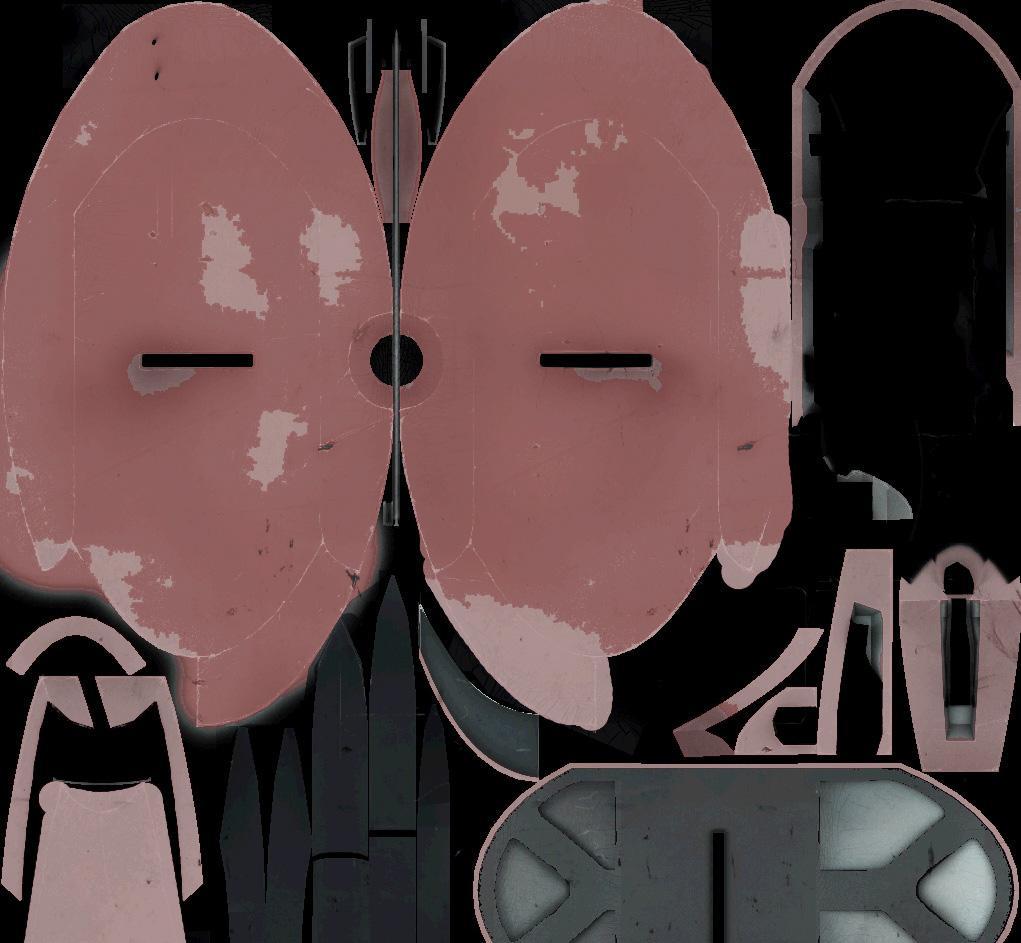
Then, after editing the image however you want, put it back into VTFEdit and it will turn back into a VTF file.
I look forwards to seeing whatever mods you make, Scathach! 
Scathach wrote:
How do I turn the vtf file into jpeg or how do I turn the jpeg file back to vtf, I tried a bunch of things but...
Using VTFEdit, Export the .VTF file to .jpeg.
To convert it back to VTF, save the .JPEG as a .VTF file in VTFEdit.
If it did, what did you name the model file?
Turn SmartEdit off in Hammer, and put that name into a field named "model". Then set the skin to "1 - Unused".
Sorry to resurrect an old post, but I'm having some trouble.
I'm trying to make a custom door to have along side other doors in a map.
I need this door to be able to be triggered by the proximity of the player (I can easily do that with normal doors).
I've created all my own as this tutorial recommends and so far, I've got my model in the map and it looks great!!
However, it's just sitting there as a model and isn't acting as a door.
I was wondering if there is any way I can get it to copy the behavior of the standard door "prop_testchamber_door".
Any help would be greatly appreciated! Thanks guys!
i.e. once the map loads, it changes the model of door2 to a different model.
any ideas?
some guys explored a similar idea here: post76462.html#p76462
See what I mean? I feel like I'm doing something wrong though...
Thanks for your help!
Any ideas getting the sounds to play along as well? They don't seem to be working by default for me.
Would creating another trigger for the audio file be the best way??
I'll attach a screenshot of what I've got going, but I cant use the same triggers, as the outside trigger sets the door to close and the inside one sets it to open.
I've got it this way so that the door will open when the player walks close,but closes when the walk away from it.
Any thoughts?
- OnStartTouch > [door name here] > SetAnimation > Open
-
OnStartTouch > [door sound name here] > PlaySound
-
OnEndTouch > [door name here] > SetAnimation > Close
- OnEndTouch > [door sound name here] > PlaySound
For this setup you'd better watch out where your trigger brush ends in order to not close right in the player's nose  . If you want your door to close right after the player has crossed the door, make sure your trigger brush ends right after the door ends. Anyway, you can also make the trigger brush overpass the door so it closes when the player is that same far than in previous room.
It works perfectly now.
Also, if I add another trigger around the main trigger, I can tell it to disable the main trigger, making my door a 1-way door!!!
You guys are incredible. Thank you 

Glad you got it working! What's the custom door for?