The ThinkingWithPortals Map Showcasing Thread
Here it is below:
intro0016.jpgI used a spotlight + light + florescent texture to get the effect of the open roof, but as you said it would look a lot nicer if it was brighter.
I previously tried adding low brightness lights under the roof, but that makes the shadows on the plants look unrealistic.
I made the closed roof darker as i wanted it to stand out from the open roof, but I'll experiment with lighting that up a little bit more, the only issue is the ceiling above inst very interesting to look at 


Sorry about the audio lag.


Sejievan wrote:
Awsome Lamarr, these pillars are custom models, or displacements ?
Thanks!Everything is basically displacements except the wall on the right
MrLate wrote:
Making a new coop map
3_.jpg
lookin' good. Maybe add a bit more texture variation?
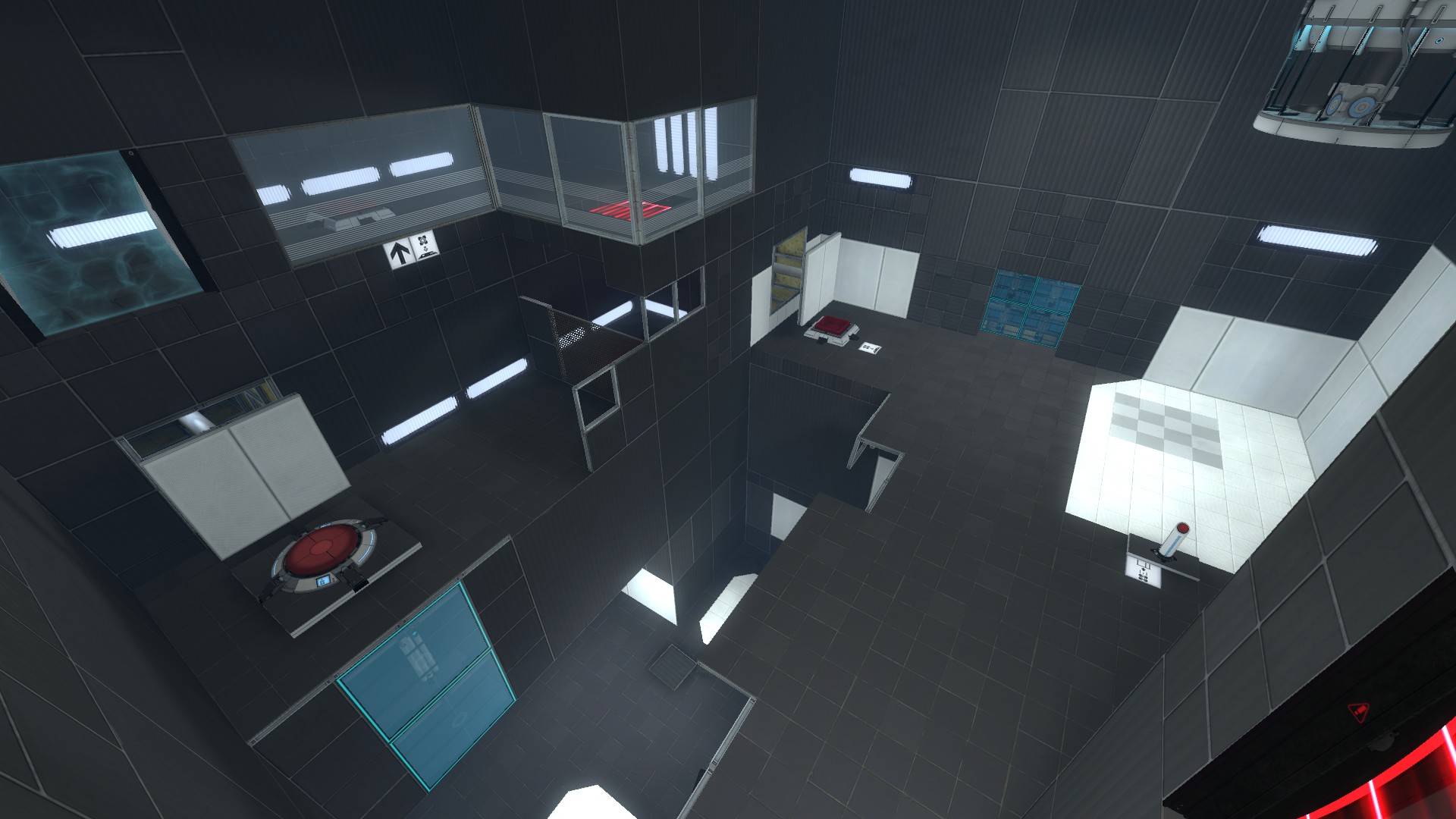
This are some pics of the second map of the TLFS series , i posted because i need an honest opinion about this space, i have the feeling that it's something wrong or missing here...
Entrance

http://imageshack.us/photo/my-images/80 ... 00001.jpg/
Floor 1


http://imageshack.us/photo/my-images/68 ... 00002.jpg/
Floor 2


Sejievan wrote:
This are some pics of the second map of the TLFS seriesEntrance
http://imageshack.us/photo/my-images/80 ... 00001.jpg/
Floor 1
http://imageshack.us/photo/my-images/68 ... 00002.jpg/
Floor 2
http://imageshack.us/photo/my-images/69 ... 00003.jpg/
Entrance: could use a flickering light here add a wire to the speaker, maybe give it some sparks.
Floor 1&2; the light models are a bit strange; are they on or are they off? If they're off; is there a darker skin? If they're on; try to mess around with sprites and light_spots to give them light. And as mentioned before; paper and boxes 
But yeah, those are minor details, looking good can't wait to play it!
the lights are on btw, i guess that was this that was bothering me  , talking about lights, I created two instances of sliding doors to make a little ease to place them in map, but after they keep flickering in black ingame sometimes and i don't know why, someone know why this happens and how to fix?
Sejievan wrote:
Thanks for the responses, i really liked the sugestions
Try to place an info_light(ing) a few (32-64) units away from the door and use it as the light source (you can set this in the prop_dynamic of the door) that should fix it.
Here's one of mine as an example:
portal_light.pngThe colours are:
spot: 255 247 217 300
normal: 255 247 217 30
I also used skin 1 of the model to match the light colour.
You will probably need darker colours, because this example is a switching light, and switching lights don't spread as well as normal ones. Just tweak it until it looks right!
(The green block_light brush is for simulating shadows around the fixture. It's not super important, just some extra detail that looks nice.)
What Valve does for those lights is put a thin strip just above the light (like that block light) and texture the bottom side with a light-emitting texture. Then tie it to a func_illusionary and make it invisible so you can't actually see it.
The end.
Cheers!
ChickenMobile wrote:
What Valve does for those lights is put a thin strip just above the light (like that block light) and texture the bottom side with a light-emitting texture. Then tie it to a func_illusionary and make it invisible so you can't actually see it.
That's also a good option. Probably even better if you don't need it to blink and/or switch off.
The only downside is that it requires an extra entity. (Is a func_illusionary better to use than a func_brush? I thought it was a leftover from the original Quake / Half-Life engine.)
HMW wrote:
The only downside is that it requires an extra entity. (Is a func_illusionary better to use than a func_brush? I thought it was a leftover from the original Quake / Half-Life engine.)
No idea, but a func_illusionary is naturally non-solid.
The wiki however states that a func_brush rules all.
Jepp wrote:
Hey! Just wanted to do a quick announcement and ask if anyone want me working on any project of theirs? I'm pretty exited to start mapping again and if anyone's got any great ideas don't hesitate to contact me here on the forum and maybe we could team up! I got some previous work released, mostly coop, but I could totally do some singleplayer mapping alsoCheers!
Hey Jepp, perhaps you could help me with my upcoming single-player mappack Testing for Fun?
More details here: http://moddb.com/mods/testing-for-fun