Trouble with a custom skin
It should have looked like this:
v_portalgun.jpg
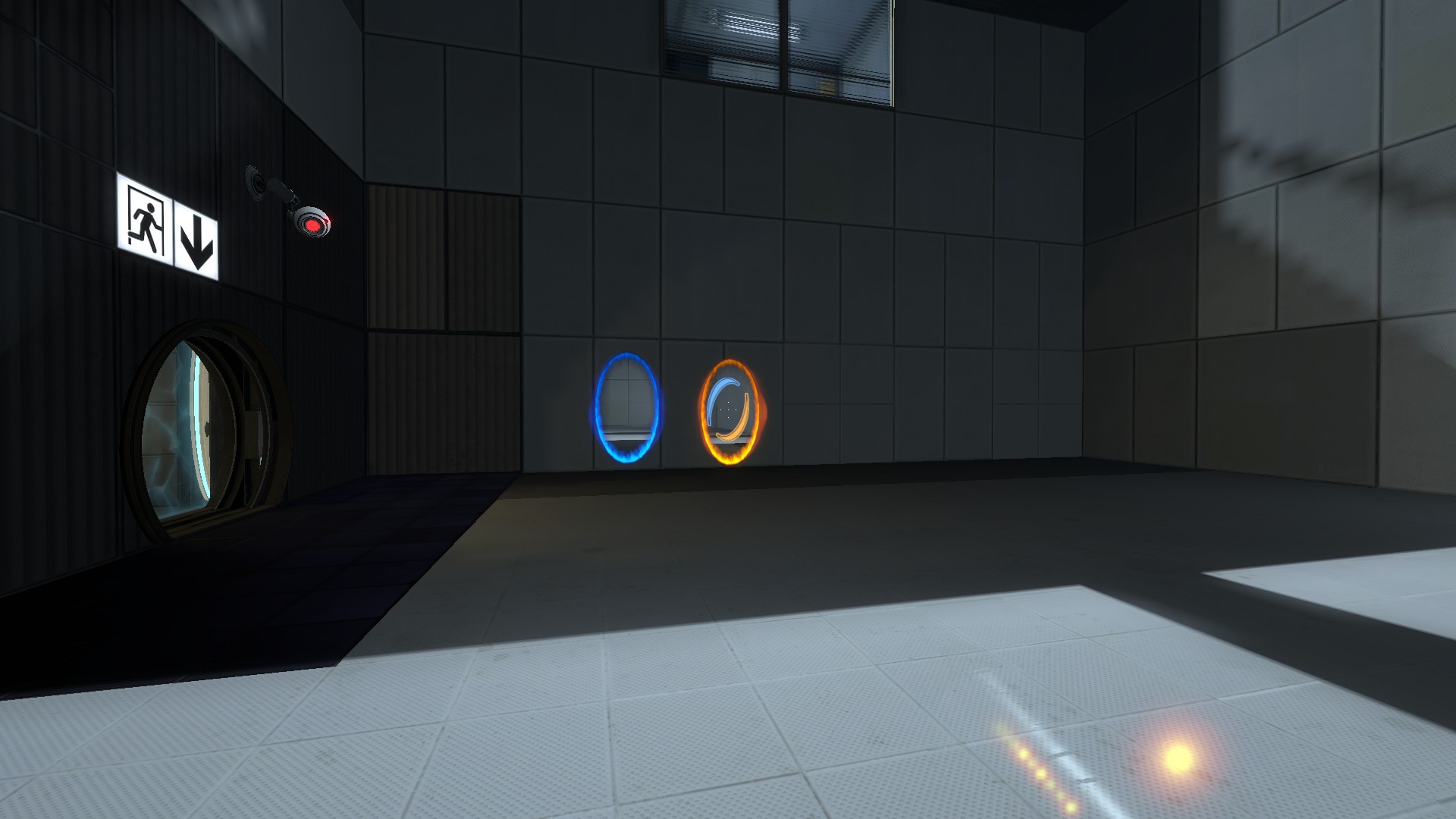
Instead it looks like this:
2015-01-11_00001.jpg
Can anyone tell me why it does this. if you can't really see the portalgun, that's because the bloody thing has decided to be damn near invisible! Grrrr!!! 
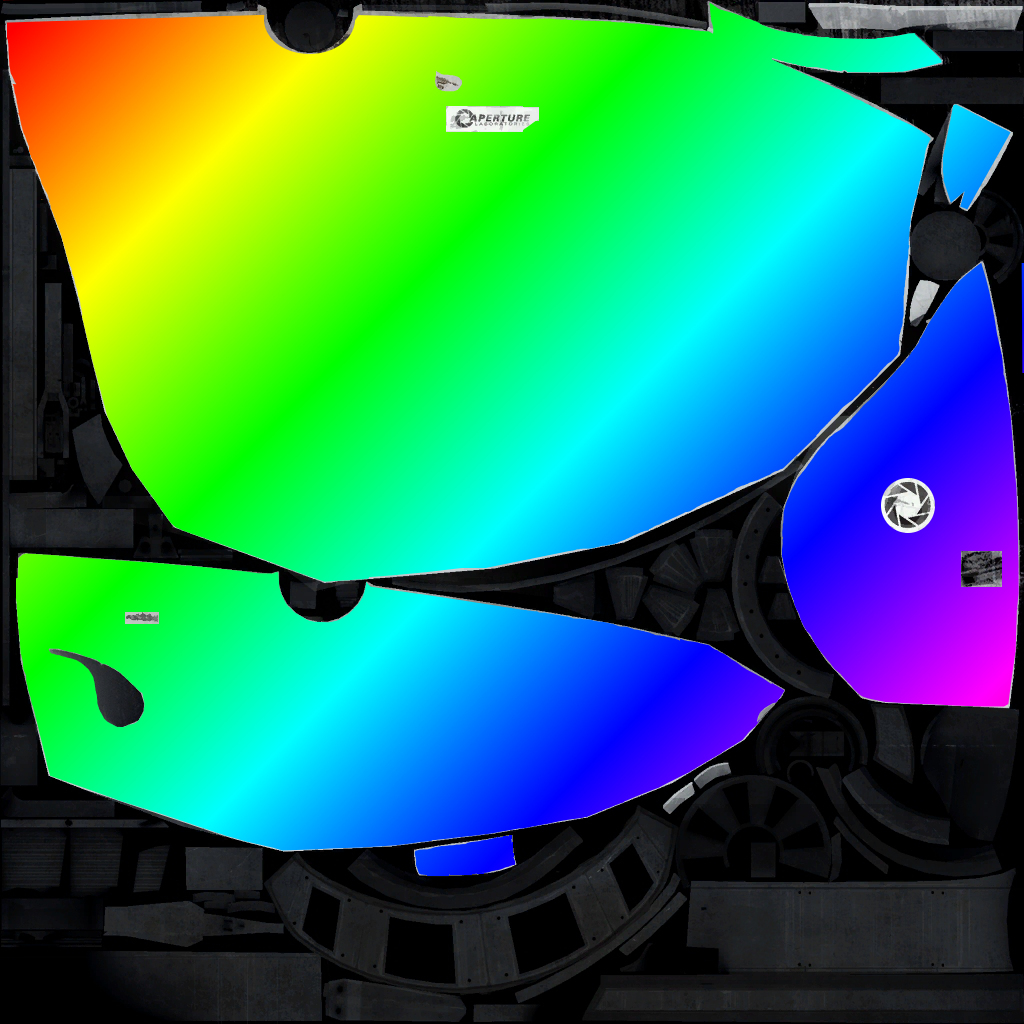

Anyway, you probably changed the alpha channel when you edited the texture. Try not to touch it, and if you do touch it, make sure to set it back to what it was before you save.
PS Thank you for the 10/10.
Revise the paths inside your custom .VMTs files and make sure that your model is actually searching into those paths (you can open de .MDL file with whatever hex editor and scroll all down to the bottom of all the code to check out where your model is searching for its textures).
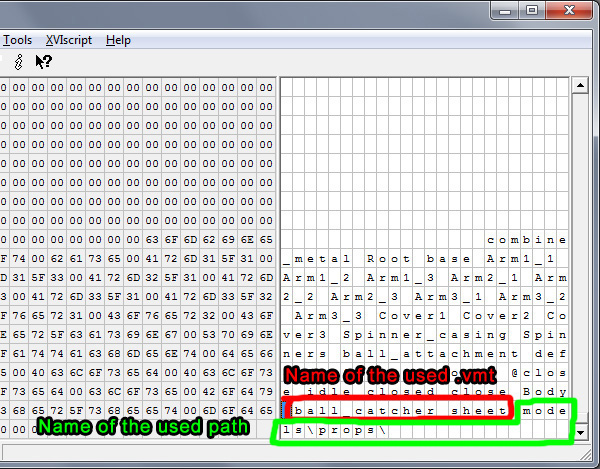
And by the way, I just noticed that the location of the portalgun view model files changed within some of Valve's updates... so Sickle's tuto is a bit outdated... maybe you are placing the files in the right folders according to the tuto but you must move them to a different location...
Can you confirm if you can see the portalgun when you get close to those 2 portals opened on the wall in your screenshot? that is a different model, the world model.