How to Load Previous Maps ?
With the DLC update of Portal 2 - when I try to load a previously Save, the menu only shows "Load last Save". Before the update, you would see a list of your Saves and you could select any one of them.
I do not understand why they would limit the Player to loading ONLY the last save.
So I must ask - is there a way to view a list of the previous saves and load any one of them ?
Thanks


Just jump off to the main menu > Single Game > Load game (I think it's like this... I'm not in front of my computer atm  ).
).
Thanks - that worked. Seems odd that you have to go all the way back to find saved games . . but OK.
I am just glad to know how.
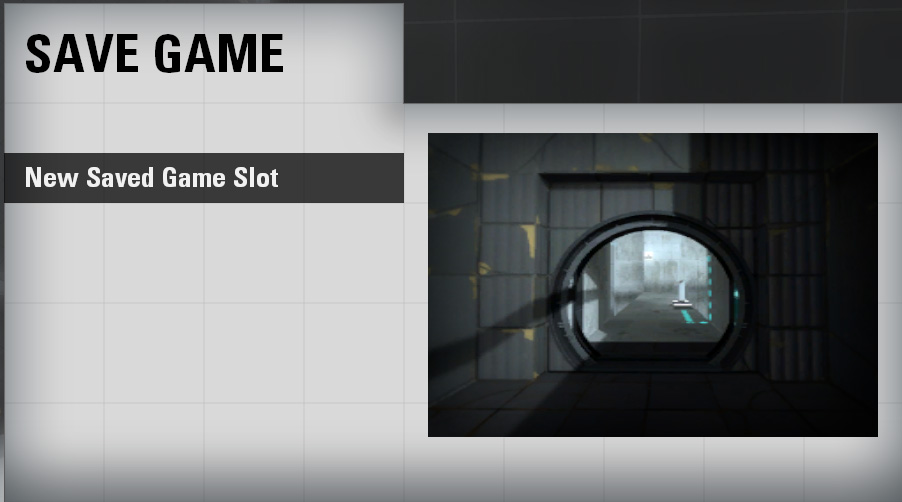
The F6 Quick Save and the F7 load work fine . . . but when I select "Save Game" I always see this:
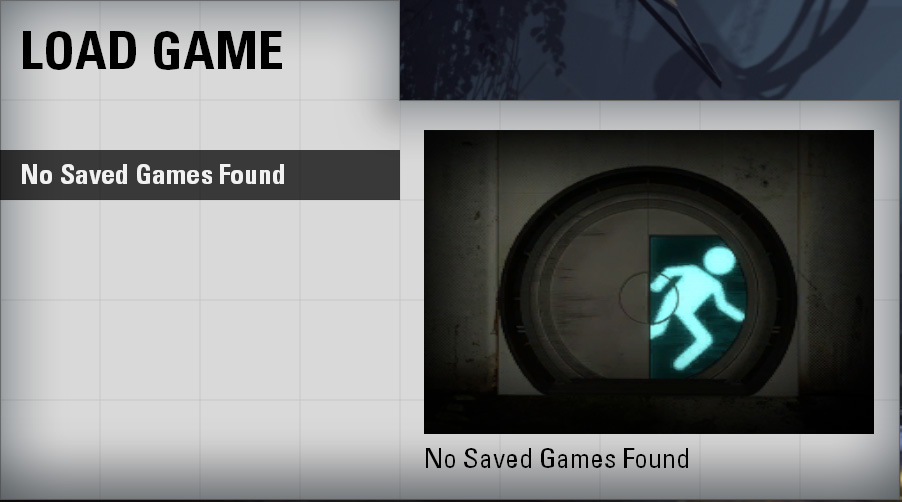
1.jpgSo I go ahead and Save the game, and then when I try to Load the Game I see this:
2.jpgIf I use F7 to load the game, then walk around to a different chamber and then hit Esc and then "Save Game" I get the same thing again but the prvious Save is not there.
I did multiple Saves and none of them show up. I also cleaned out my Saves folder to make sure.
Oh well, I think I will have to try and reinstall Steam / Portal 2 from scratch.
If you woulnd't have any, try verifying your local files to see if it restores them. And if that still doesn't work, I'd suggest you to wait until I get home and post mine here to see if placing them into your folder would solve it 
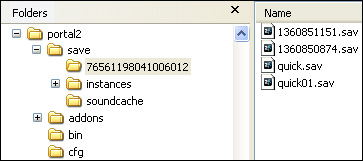
Then I did a couple of Quick Saves (F6) ans also a couple of manual Saves (Escape / Save Game . .).
The result is this:
I did notice 3 files are created during gameplay and then deleted upon exiting - they are in the 76561198041006012 folder and were named 1338750356.hl1, 1338750356.hl2, and 1338750356.hl3
Anyway, sadly, the same problem persists with no Saved games in the list.
I even ran "Verify Integrity of Game Cache" - to no avail.
For months now I have been seeing a "Save Game" option for Community, queued maps and I "Saved the Game" - many times. But since clearing out everything and running "Verify Integrity of Game Cache" - I no longer see the "Save Game" option for Community maps. I do see the Save Game option for bsp maps that I have launched from the console. And when I save it - it works and I can later, Load the Game.
For some reason Steam was showing the "Save Game" option for my subscribed, community maps.
So the application on my system was hosed. OK so I understand, now that it is all working:
It certainly does suck that you cannot save and load Community maps.
Sorry for wasting your time - but in reality you have helped me a lot.
I am now running normally and have the correct menu options restored. Thanks
PCdoc wrote:
Community-launched maps
Hehe... I assumed you were talking of the normal maps Yeah, the community maps only allow you 1 savegame at a time... which is really annoying.