The ThinkingWithPortals Map Showcasing Thread
room1a

room1b

Turret in action


DaMaGepy wrote:
I also started to make a new map yesterday after I sorted out the companion turret.
room1a
room1b
Turret in action
No Money For Chambers 2, eh? Looks pretty good 
laakkone wrote:
Something I've been working on. Please note there are no indicators yet.**IMAGES**
The best compliment I can give this map is that after I play it, I'm going to be no clipping around it to see all the details!
Seriously impressive work
No money means they use abandoned mines and caves with minor reconstructions, and they salvage old tools


I've updated the 3 pic that I posted before, now they have some detailing, indicators, vegetation and overlays...
DaMaGepy wrote:
-Picture-
Just looks great!  Cant wait to play your map
DaMaGepy wrote:
-Picture-
Yes, I can't wait either! It's been a while since the first one came out.
Anyways, here's a couple old pics I found on my desktop of my current map I'm working on
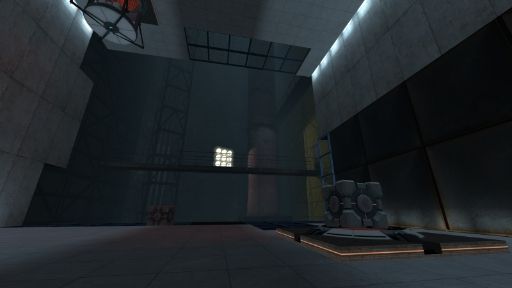
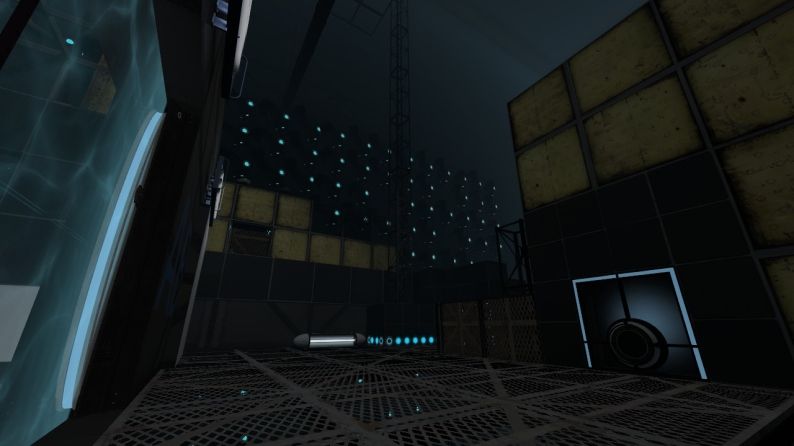
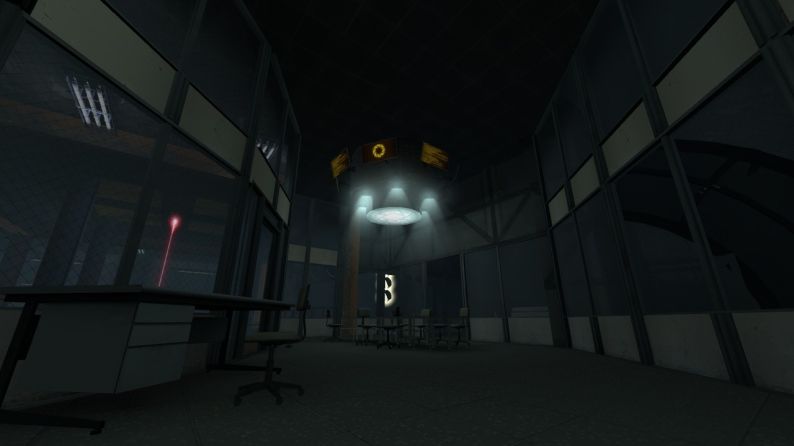
Please excuse some of the minor errors, like that fizzler. It's fixed now.

Heavy WIP, but my question is; does this transition look weird? Going straight from the test chamber walls to the BTS walls? I don't usually do it, but I've kept changing the hazard at the bottom of the pit so I never designed it as a standard bottomless pit.
Ignore the catwalk.
For me its pretty ok (at this point everythink goes until its not the usual PTI style), but those who dont like heights maydont like playing similar maps. A "friendly" goo may be better.
This is what the pit looks like at the moment:

I still don't know about the walls though. Should the pit area be wider than the chamber walls, or can I just keep it level with the chamber walls?
srs bsnss wrote:
Mmm, maybe. At one point I had a pit with goo at the bottom, but it didn't really look right. I may just have a standard height goo pit.This is what the pit looks like at the moment:
-PICTURE-I still don't know about the walls though. Should the pit area be wider than the chamber walls, or can I just keep it level with the chamber walls?
You could do a soft transition with some squares and the bts walls behind... more or less like this one

(image from "master test" by Pac0master)
Sejievan wrote:
srs bsnss wrote:Mmm, maybe. At one point I had a pit with goo at the bottom, but it didn't really look right. I may just have a standard height goo pit.
This is what the pit looks like at the moment:
-PICTURE-I still don't know about the walls though. Should the pit area be wider than the chamber walls, or can I just keep it level with the chamber walls?
You could do a soft transition with some squares and the bts walls behind... more or less like this one
-pic-
Yeah, I guess so. It was mostly a question of "Does this look decent enough that I don't have to do any extra work?"  But yeah, I guess I'll do a proper transition.
yishbarr wrote:
Did you use a fog volume at the bottom? I don't really understand how to get stuff to look like that?
Looks like normal fog to me. Perhaps the start and end values are close together?
yishbarr wrote:
I was asking about the image before that.
Oh... ok


laakkone wrote:
This map is about to be finished, so heres some screenies before I fall asleep.
Amazing! I really like the lighting. In the first picture did you use an effect after the screenshot or did you do some fancy effects in game. I can never get lighting to look like that. (Even with HDR)